
AI Version Control: Keep Prompts, Policies and Automation Rules From Drifting
Freshness note: prepared 2026-10-05; source links and live internal links were checked during editorial preparation.
Many AI failures do not begin with a dramatic launch mistake. They begin with quiet drift. Someone edits a prompt because the old one feels too long. A volunteer changes a response template. A staff member connects a new tool. A model setting is adjusted after one impressive demo. Two weeks later nobody can explain why the automation behaves differently.
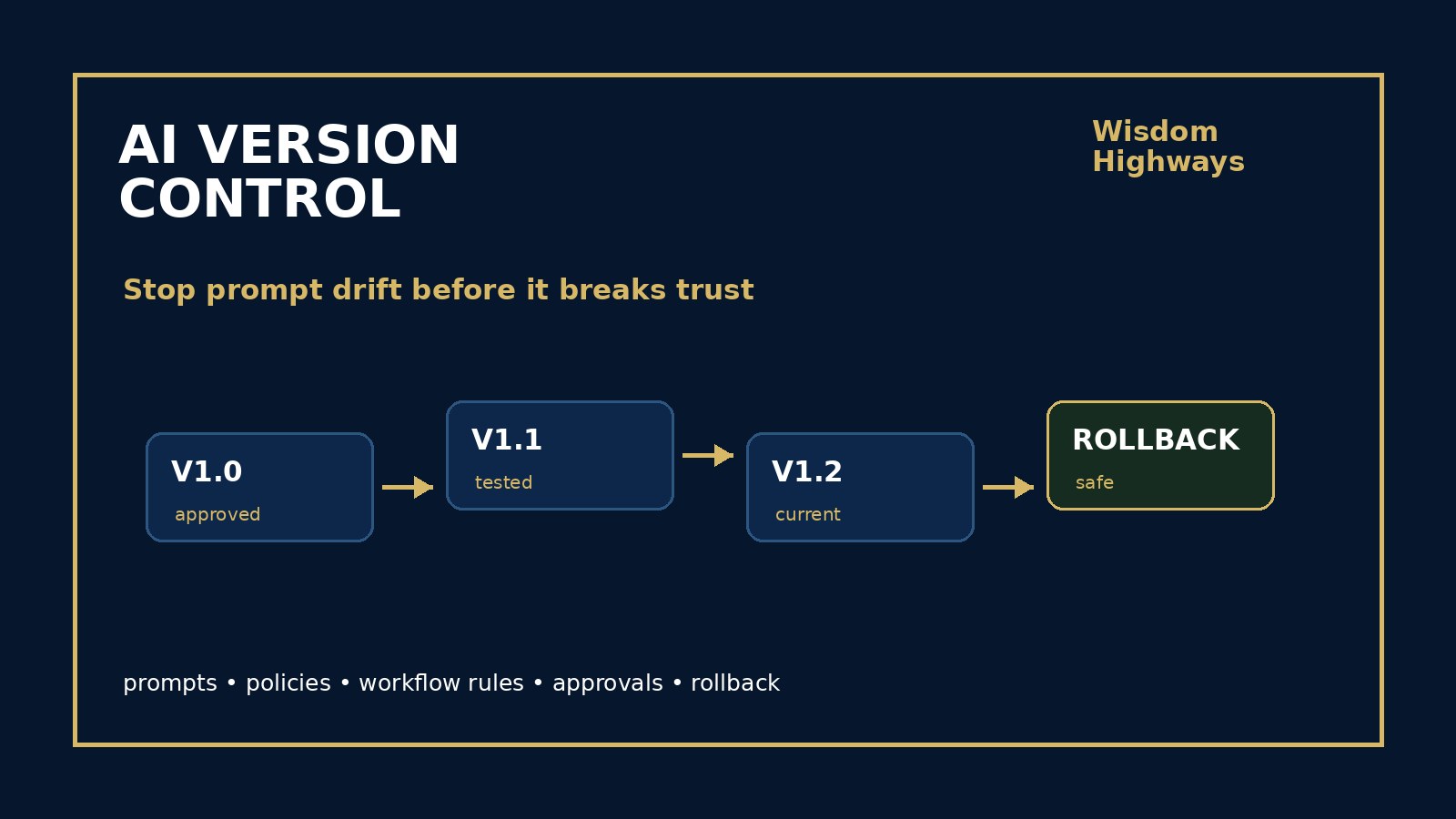
AI version control is the discipline of keeping a clear record of which prompts, policies, workflow rules, data sources and approvals are currently in use, what changed, who approved the change and how to return to the last safe version if needed. For churches, nonprofits and SMEs, version control does not need to look like a software engineering department. It needs to be simple enough to use and serious enough to protect trust.
What AI version control means in plain language
In software, version control helps teams know what changed, when it changed and how to restore a previous state. In AI-assisted operations, the same idea applies to the non-code pieces that shape outcomes: system prompts, ministry tone rules, customer response templates, approval rules, escalation conditions, data permissions, automation triggers, form fields, vendor settings and human-review checkpoints.
NIST’s AI Risk Management Framework points leaders toward lifecycle governance rather than one-time approval. OWASP’s LLM application guidance shows that risks can shift when prompts, tools, permissions or output handling change. The practical Wisdom Highways conclusion is simple: if a change can affect people, privacy, money, care, commitments or reputation, leaders should be able to see its version history.
Why drift is dangerous after launch
Drift is not always malicious. Usually it is convenience. The team wants faster replies, warmer messages, fewer manual checks or cleaner summaries. Improvement is healthy, but hidden improvement creates confusion. When an AI workflow changes without a version record, leaders may not know whether a problem came from the prompt, the model, the data, the connected app, the approval rule or the user behavior around it.
For a pastor, drift may affect how follow-up messages are worded to guests, volunteers or people in sensitive situations. For a nonprofit, drift may affect donor segmentation, beneficiary communication or reporting language. For an SME, drift may affect quotes, customer support, onboarding, scheduling or scope commitments. Version control protects learning because it gives the team a stable reference point.
The WH VERSION framework
Use this lightweight framework to bring order to AI prompts and automation rules: Visible owner, Evidence, Review notes, Safety status, Inputs, Output expectations, Numbered change, and Next rollback point.
Visible owner: who owns this version?
Every important AI workflow should have a named owner. The owner does not need to be the only person who edits it, but someone must be responsible for accuracy, tone, risk, approvals and review. Link this to your AI accountability matrix so team members know who can approve prompt and rule changes.
Evidence: why did we change it?
Do not revise a workflow merely because a new idea feels exciting. Connect each meaningful version to evidence: a repeated error, monitoring signal, staff complaint, pastoral concern, customer friction, privacy issue, quality gap or time-waste pattern. Your AI monitoring plan and continuous improvement backlog should feed version updates.
Review notes: what exactly changed?
Record the change in human language. “Improved prompt” is not enough. A useful note says, for example: “Added a requirement to escalate safeguarding language to a human leader,” or “Removed pricing estimates from automated replies unless approved rate cards are attached.” Clear notes help the next reviewer understand the decision.
Safety status: what risk level applies?
Label the version as low, medium or high sensitivity. A low-risk internal summary prompt may only need a peer check. A workflow involving personal data, public communication, pastoral care, donor trust, finance, legal commitments or HR concerns needs stronger review. Tie sensitive versions to your AI data classification policy.
Inputs: what information can this version use?
Version control is not only about wording. It should record which data sources, files, fields, apps and permissions the workflow can use. A prompt that was safe with public FAQs may become risky if it later gains access to private notes, donor records, pastoral details, contracts or customer histories.
Output expectations: what should good output look like?
Each version should point to clear acceptance criteria. What tone is acceptable? What facts must be checked? What topics must be escalated? What promises must never be made automatically? Link version approval to your AI acceptance criteria and AI evaluation checklist.
Numbered change: how will versions be named?
Use a simple naming pattern: Workflow name, version number, date and owner. For example: “Guest Follow-Up Drafting v1.3 — 2026-10-05 — Communications Lead.” You do not need complex tooling at first. A spreadsheet, document, knowledge base or project board can work if it is consistently used and backed up.
Next rollback point: what is the last safe version?
Every approved version should identify the previous safe version. If the new version creates confusion or risk, the team should know how to pause, restore and communicate. Pair version control with your AI rollback plan and AI change control policy.
What to version-control first
- System prompts: the instructions that shape tone, boundaries, escalation and behavior.
- Workflow rules: triggers, conditions, routing logic and approval steps.
- Output templates: email drafts, SMS language, social replies, reports, summaries and proposals.
- Data permissions: sources the workflow can access, store or summarize.
- Human-review checkpoints: when a person must review before sending, posting, deciding or escalating.
- Vendor/model settings: settings that affect quality, privacy, retention, integrations or automation behavior.
A simple version-control register
Start with a one-page register rather than a complicated system. Include these fields:
- Workflow name and purpose.
- Current version number and date.
- Owner and approver.
- What changed and why.
- Data sources and permissions affected.
- Risk level and human-review rule.
- Test examples used before approval.
- Rollback version and pause instruction.
- Monitoring question for the next review.
Examples for pastors, nonprofits and SMEs
Pastor or ministry leader: A church uses AI to draft first-time guest follow-up emails. Version control records that v1.2 added warmer language but also added a rule that prayer requests, counseling needs and safeguarding language must be routed to a human leader before any reply is sent.
Nonprofit leader: A donor communication workflow is updated to personalize messages. Version control records which donor fields are allowed, which language is prohibited, who approved the update and how to restore the previous template if complaints increase.
SME owner: A customer-support assistant is adjusted to answer implementation questions faster. Version control records that the assistant may summarize help articles but must not promise delivery dates, refunds, custom pricing or contractual changes without staff review.
Common mistakes to avoid
- Keeping the “current prompt” only in one person’s chat history.
- Editing live automation without saving the previous version.
- Changing data access while treating it as a wording update.
- Allowing vendor settings to change without leadership awareness.
- Approving a new version without testing ordinary and sensitive cases.
- Recording technical details but not the leadership reason for the change.
- Having an AI audit trail that says a decision happened but not what version was approved.
Leader checklist before approving a new AI version
- Can we identify the current approved version?
- Do we know exactly what changed from the previous version?
- Is the owner clear?
- Is the risk level appropriate for the workflow?
- Have we tested the new version against realistic examples?
- Does the version preserve human judgment where needed?
- Can we roll back if the update causes harm, confusion or reputational risk?
- Will we monitor whether the new version actually improves the work?
Wisdom Highways perspective: wise automation is not merely fast automation. Systems should serve mission, people and trust. Version control gives leaders memory, accountability and recoverability so improvement does not become drift. It helps teams reclaim time without losing stewardship.
Related resources
Sources and further reading
- NIST AI Risk Management Framework — AI governance and risk management should continue across the AI system lifecycle, including measurement and management after deployment.
- NIST Cybersecurity Framework — identify, protect, detect, respond and recover disciplines help leaders manage change, records and resilience.
- CISA Secure by Design — responsible technology practice designs safety and accountability into systems instead of relying only on after-the-fact fixes.
- OWASP Top 10 for LLM Applications — LLM risks can be affected by prompts, tool access, data handling, excessive agency and insecure output handling.
- UK Government Generative AI Framework — generative AI use in organizations benefits from accountability, assurance, monitoring and human oversight.
- OECD AI Principles — AI should be human-centred, robust, safe, transparent and accountable.
- Google People-First Content Guidance — public content should be useful, original and created primarily for people.
Keep learning with Wisdom Highways. Follow our WhatsApp Channel for practical AI tips, time-saving ideas, product updates and selected offers.
Follow WH Premium AI Vault on WhatsApp