
AI Readiness • Vendor Selection • Governance
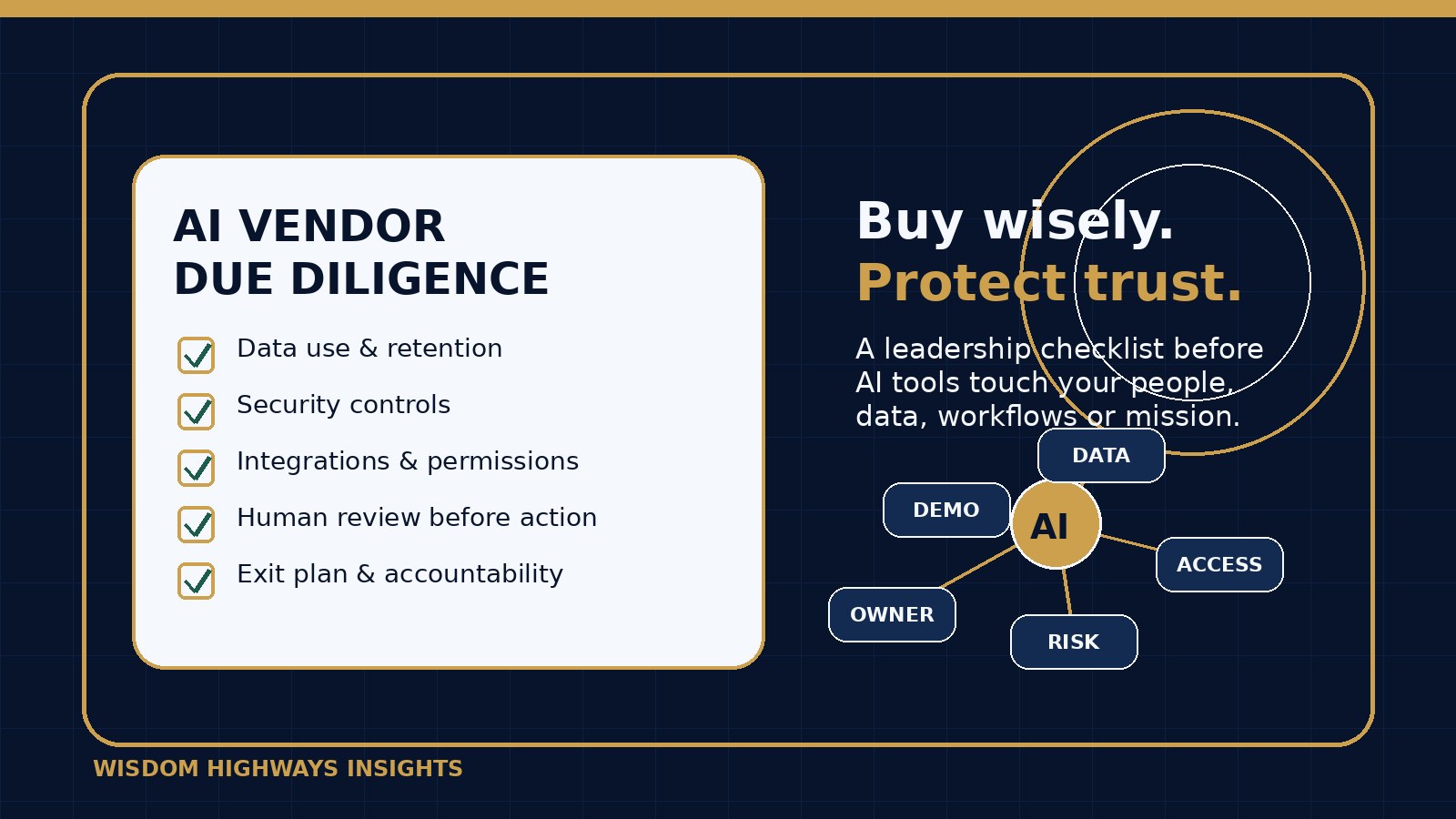
AI Vendor Due Diligence Checklist: What Leaders Should Ask Before Buying Tools
The easiest AI tool to buy is not always the safest tool to trust. A vendor demo can look impressive: polished dashboards, instant summaries, automated follow-ups, intelligent search, beautiful content drafts and promises of saved time. But leaders still have to ask a wiser question: what will this tool touch, remember, change, send, decide or expose after the excitement of the demo is over?
For pastors, nonprofit directors, SME owners and purpose-driven executives, AI vendor selection is no longer just a technology purchase. It is a stewardship decision. The tool may touch people’s stories, donor records, staff information, customer conversations, financial data, intellectual property, ministry communication or operational systems.
This guide gives you a practical AI vendor due diligence checklist before buying AI tools, copilots, agents, chatbots or automation platforms. It is not legal, cybersecurity or procurement advice. It is a plain-language leadership framework for slowing down enough to protect trust while still moving forward.
Before committing to another AI subscription, check your readiness. Take the AI & Systems Readiness Assessment to identify whether your workflows, data boundaries and leadership ownership are ready for the tool you are considering.
Why AI vendor due diligence matters
Traditional software due diligence asks whether a product has the right features, price and support. AI due diligence must go further because the tool may generate content, summarize sensitive information, connect to other systems, learn from prompts, influence decisions or automate actions.
Global AI and risk guidance repeatedly points leaders toward governance, accountability, security, privacy, transparency and human oversight. The NIST AI Risk Management Framework organizes AI risk work around governance, mapping context, measuring risk and managing risk over time. The NIST Cybersecurity Framework gives leaders a helpful posture for identifying, protecting, detecting, responding and recovering. The OECD AI Principles emphasize human-centered values, robustness, safety, transparency and accountability. The EU Cyber Resilience Act reflects a growing policy direction: digital products are expected to be built and maintained with stronger security responsibilities.
You do not need an enterprise procurement department to apply wisdom. You need clear questions, documented answers and a refusal to let convenience outrun accountability.
The Wisdom Highways vendor-readiness question
Before you ask, “Can this AI tool save us time?” ask this:
Can we explain what this tool will access, produce, store, change, connect to, and who remains accountable when it is wrong?
If the answer is unclear, the tool may still be useful—but it is not ready for full operational trust.
The AI vendor due diligence checklist
Use this checklist before purchase, renewal, rollout or integration. For low-risk tools, some answers can be brief. For tools that touch confidential data, people-facing decisions, money, pastoral care, donors, customers or automation, go deeper.
1. Define the exact use case before reviewing features
Do not evaluate an AI tool in the abstract. Write the specific job you want it to do: summarize meeting notes, draft emails, answer website questions, classify support tickets, analyze spreadsheets, generate social content, assist sermon research, manage lead follow-up or automate reporting.
Due diligence question: what problem are we solving, and what should this tool not be allowed to do?
2. Map the data the tool will touch
List the data sources involved: public website text, internal documents, donor records, member information, beneficiary stories, client files, customer conversations, contracts, staff notes, calendars, inboxes, CRM data, financial reports or cloud drives.
Red flag: the vendor cannot clearly explain what data is collected, where it is stored, how long it is retained, whether it trains models, and how your organization can delete or export it.
3. Check training, retention and privacy terms
Some AI services treat prompts, uploads and outputs differently depending on the plan, settings or product. Leaders should review whether organizational data may be used to improve models, whether retention can be limited, whether administrators can control settings, and whether sensitive data is contractually protected.
This matters deeply for churches, nonprofits and SMEs because small teams often use personal accounts before formal governance catches up.
4. Review security basics before integration
Ask whether the vendor supports multi-factor authentication, role-based access, audit logs, data encryption, single sign-on where appropriate, admin controls, incident notification, regular security testing and clear offboarding.
Practical rule: the more systems a tool connects to, the more security evidence you should request.
5. Understand integrations and permissions
An AI meeting assistant may access calendars, recordings and transcripts. A chatbot may access website content, CRM records or support conversations. An automation agent may read documents, send emails, update records or trigger workflows. Permissions are often where risk hides.
Ask for a plain-language permission map: what can the tool read, create, update, delete, send or publish?
6. Separate drafting from action
There is a major difference between an AI tool drafting a response for human review and an AI agent sending that response automatically. Start with advisory or drafting use cases before allowing autonomous action.
For ministry, customer care, HR, finance, safeguarding, legal, pastoral or donor communication, keep accountable humans in the loop.
7. Test accuracy with real but safe examples
Do not rely only on vendor demos. Create sanitized test cases that reflect your actual work: ambiguous requests, incomplete data, tone-sensitive communication, edge cases, conflicting instructions and culturally sensitive scenarios.
Track where the tool is useful, where it is merely polished, and where it could mislead a busy person.
8. Check explainability and reviewability
Leaders do not need every technical detail of a model. But they do need enough traceability to review important outputs. Can users see sources? Can admins audit activity? Can a manager review changes? Can the tool show why it recommended something?
If a tool will influence decisions about people, money or public communication, reviewability is not optional.
9. Confirm human accountability in the workflow
Name the responsible person before rollout. Who owns the tool? Who approves use cases? Who trains users? Who reviews incidents? Who decides when the tool should be paused?
AI does not remove leadership responsibility. It can make leadership responsibility more important because the work moves faster.
10. Ask about vendor support and incident handling
If the tool exposes data, sends the wrong message, hallucinates a harmful answer, breaks an integration or changes pricing, who can you contact? What is the support path? What is the incident-response process? How quickly does the vendor notify customers of security issues?
11. Evaluate portability and exit risk
Can you export data, prompts, knowledge bases, automations, transcripts, analytics or configuration? What happens if the vendor closes, changes terms, raises prices or removes a feature? A wise system should not trap your mission inside one fragile subscription.
12. Decide whether the tool fits your values and voice
For purpose-driven organizations, vendor fit is not only technical. Does the tool support your tone, values, faith-sensitive boundaries, audience trust and leadership standards? Can it be configured to avoid manipulative messaging, insensitive pastoral language or overconfident claims?
A simple Green / Yellow / Red vendor decision model
- Green — approve for limited rollout: clear low-risk use case, no sensitive data, acceptable privacy/security posture, human review, clear owner and easy exit.
- Yellow — pilot carefully: useful tool but moderate data, integration, accuracy or vendor-risk questions remain. Limit users, document guardrails and review after a short pilot.
- Red — do not buy yet: unclear data use, weak access controls, excessive permissions, no review path, high-stakes automation, vague vendor answers or poor fit with trust-sensitive work.
Questions to send an AI vendor before purchase
- What data will your tool collect, store and process for our use case?
- Will our prompts, uploads, transcripts, files or outputs be used to train models?
- Where is data stored, and what retention controls are available?
- What admin controls, access roles, audit logs and MFA options are available?
- What third-party subprocessors or model providers are involved?
- Can we restrict users from uploading sensitive data?
- What systems can the tool connect to, and what permissions does it request?
- Can AI-generated outputs be reviewed before sending, publishing or updating records?
- How do you handle inaccurate, harmful or unsafe outputs?
- What happens if there is a security incident or data exposure?
- Can we export our data and configuration if we leave?
- What changes should we expect in pricing, usage limits or model behavior over time?
Examples for churches, nonprofits and SMEs
Church example: AI meeting notes
An AI notetaker may be helpful for planning meetings, but it should not silently join pastoral-care, safeguarding, counseling or confidential leadership conversations. The due diligence question is not “Does it transcribe well?” only. It is also “Who consented, where are recordings stored, who can access them, and which meetings are off-limits?”
Nonprofit example: grant-writing assistant
A grant-writing tool can help organize public program information. But uploading identifiable beneficiary stories, donor history or field reports may create trust and privacy concerns. Safer workflows use anonymized examples, approved case-study language and human review before submission.
Small-business example: customer-support chatbot
A chatbot can reduce repetitive questions, but if it gives wrong pricing, policy, medical, financial, legal or delivery information, the business still owns the customer impact. Start with narrow topics, approved knowledge sources, clear escalation and a visible path to human help.
A 7-step pilot plan before full rollout
- Name the owner: assign one accountable leader for the pilot.
- Limit the use case: choose one workflow, one team and one success metric.
- Set data boundaries: define what users may and may not upload.
- Run safe test cases: use realistic but sanitized examples.
- Require human review: no automatic sending, publishing or record changes at first.
- Measure time and trust: compare time saved, error rate, user confidence and review burden.
- Decide after evidence: approve, adjust, expand or stop.
Common mistakes to avoid
- Buying because the demo was impressive. A demo is not evidence that the tool fits your data, people and risks.
- Letting one enthusiastic user create an organization-wide dependency. Pilot enthusiasm needs governance.
- Ignoring hidden integrations. Calendar, email, drive, CRM and payment access can matter more than the AI feature itself.
- Asking IT only after purchase. Security and operational questions should come before rollout.
- Measuring only subscription cost. Include review time, training, risk, support, integration and exit cost.
How this connects to AI readiness
An AI vendor decision is a mirror. It reveals whether your organization has clear workflows, clean data, defined authority, trust boundaries, governance habits and measurement discipline. If those foundations are weak, even a strong tool can create confusion faster.
Wisdom Highways’ position is not “avoid AI vendors.” It is this: let wisdom lead the purchase, not pressure. The right tool, placed in the right workflow, with the right human ownership, can reclaim time and strengthen mission. The wrong tool, bought too quickly, can multiply risk and waste.
Related Wisdom Highways resources
Use this article alongside the Shadow AI Governance checklist, the AI Policy Template, the AI Data Privacy Checklist, the Human-in-the-Loop AI review guide, and the AI Governance Checklist.
Before buying the tool, assess the system
If an AI vendor is promising time savings, first confirm whether your people, workflows, data boundaries and governance are ready. Take the AI & Systems Readiness Assessment to identify where AI can help, where risk needs guardrails, and which implementation path fits your mission.
Freshness note
This article was prepared in September 2026. AI vendor terms, privacy settings, integrations, model behavior and digital-product regulations change quickly. Review vendor answers before purchase and again at renewal or when a tool adds major AI features.
Keep learning with Wisdom Highways. Follow our WhatsApp Channel for practical AI tips, time-saving ideas, product updates and selected offers.
Follow WH Premium AI Vault on WhatsApp