
AI Readiness • Governance • Leadership & Wisdom
AI Policy Template for Churches, Nonprofits and Small Businesses: 12 Rules Before Your Team Uses AI
Your team is probably already using AI — even if you have not officially approved it. A staff member may ask ChatGPT to rewrite an email. A volunteer may use an AI image tool for a flyer. A manager may paste meeting notes into a summary tool. A ministry assistant may test AI for sermon-series graphics, donor follow-up, or event planning.
That does not mean your organization should panic. It does mean leaders need a simple, wise, written AI policy before everyday experimentation becomes everyday risk.
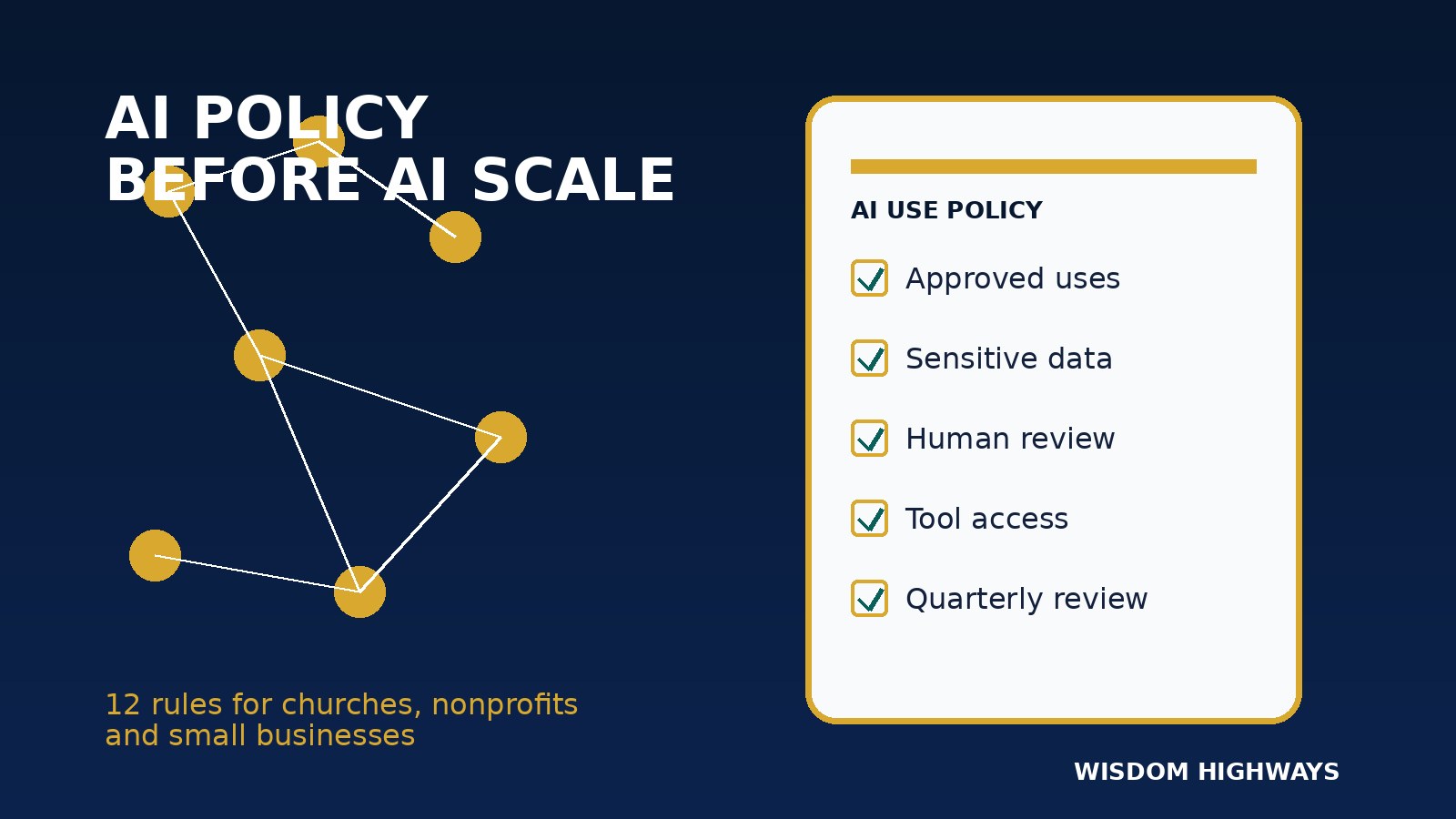
This guide gives pastors, nonprofit leaders and small-business owners a practical AI policy framework they can adapt. It is not legal advice and it is not a substitute for professional counsel where regulations, employment issues, safeguarding or sensitive data are involved. It is a leadership starting point: twelve rules that help your people use AI with clarity, accountability and mission-first judgment.
Not sure where your organization is ready — or exposed? Take the AI & Systems Readiness Assessment to identify your best next step before you automate or deploy AI broadly.
Why a simple AI policy matters now
Many organizations treat AI as a tool choice: which app should we buy? Wisdom Highways treats it first as a leadership and systems question: what should this tool be allowed to influence, who remains accountable, and what must never be handed over without human discernment?
Global AI guidance points in the same direction. The NIST AI Risk Management Framework emphasizes governance, mapping use context, measuring risks and managing them over time. The OECD AI Principles call for human-centered values, transparency, robustness, safety and accountability. UNESCO’s Recommendation on the Ethics of AI highlights human oversight, privacy, fairness and social responsibility. The EU AI Act adds a risk-based regulatory direction that leaders outside Europe should still watch because it shapes vendor behavior and global expectations.
For churches, nonprofits and SMEs, the issue is not only compliance. It is trust. People trust you with prayer requests, donor records, business data, staff matters, client questions, pastoral conversations, strategy documents and community relationships. A policy helps your team understand where AI can help — and where wisdom, confidentiality and human care must lead.
The Wisdom Highways principle: permission is not governance
Some leaders respond by banning AI. Others respond by allowing everyone to experiment freely. Both approaches can fail. A total ban usually drives usage underground. Uncontrolled freedom creates inconsistent quality, data exposure and reputational risk.
The better path is governed permission: allow useful, low-risk AI support while setting clear boundaries around sensitive data, public claims, spiritual/pastoral judgment, customer promises, employment decisions and automated actions.
Wisdom before automation: AI may assist the work, but people remain accountable for the mission, message, ethics and outcomes.
A practical 12-rule AI policy template
Use the following rules as a leadership-ready starting point. Adapt them to your country, sector, denomination, board requirements, insurance obligations, customer commitments and data-protection laws.
1. Define approved AI use cases
List the tasks your team may use AI for today. Start with low-risk support work: brainstorming, first-draft outlines, summarizing non-sensitive public information, creating checklists, repurposing approved content, improving grammar, organizing meeting actions or generating internal planning options.
A church might approve AI for turning an already-approved sermon theme into small-group discussion prompts, while prohibiting AI from writing pastoral counsel without review. A small business might approve AI for internal FAQ drafts, while requiring human approval before anything goes to customers.
2. Define prohibited AI use cases
Say clearly what AI must not do. Examples include: making final hiring or firing recommendations, replacing pastoral care, producing legal/medical/financial advice, inventing testimonials, creating fake results, impersonating leaders, handling safeguarding concerns, making promises to customers, or publishing doctrinal statements without senior review.
3. Protect confidential and sensitive information
Your policy should forbid pasting confidential personal data, donor records, counseling notes, staff issues, private contracts, passwords, unreleased financials, client documents or sensitive ministry information into public AI tools unless the tool, agreement and data handling have been reviewed and approved.
This rule matters internationally because privacy expectations and laws differ across regions. Even when your organization is small, your duty of care is not small.
4. Require human review before publication or action
AI output should be treated as a draft, not a decision. Before sending, publishing or implementing AI-generated content, a responsible person should review it for accuracy, tone, theology/values fit, privacy, fairness, copyright concerns and practical consequences.
5. Assign a human owner for every AI-assisted workflow
Do not let “the AI did it” become an excuse. Each AI-assisted workflow needs a named owner who is accountable for the prompt, source material, review, approval and final result. This is especially important when AI connects to email, CRM, forms, scheduling, donations, finance tools or public social channels.
6. Keep AI out of spiritual discernment and human care decisions
For churches and faith-aligned organizations, AI can support administration, research organization and communication drafts. It must not replace prayer, pastoral discernment, theological responsibility, safeguarding judgment, counseling, compassion or the presence of trusted leaders with people in vulnerable moments.
7. Verify facts, sources and claims
AI tools can produce confident but inaccurate information. Require staff to verify statistics, quotes, citations, regulatory claims, tool comparisons, prices and public facts before publishing. If a claim cannot be verified, remove it or phrase it cautiously.
8. Label AI assistance when transparency is needed
Not every internal draft needs a public label. But your policy should identify when disclosure is appropriate: images that could mislead, synthetic media, major public-facing thought leadership, donor or customer communication where authenticity matters, or any content where people might reasonably assume a human created it from firsthand knowledge.
9. Respect copyright, likeness and brand integrity
Do not use AI to copy another creator’s style, clone a person’s voice or face without permission, scrape protected material, or create images that confuse people about what actually happened. For Wisdom Highways-style publishing, this also means no fake client stories, fake screenshots, fake results or cheap visuals that weaken trust.
10. Create vendor and tool approval levels
Not every AI tool deserves the same access. Create a simple tier system:
- Green: approved for non-sensitive brainstorming and drafting.
- Yellow: approved only with specific data limits or team training.
- Red: not approved for organizational use.
Review vendors for data retention, security, admin controls, access management, model training settings, export options and integration risks before connecting them to core systems.
11. Document prompts, approvals and changes for important outputs
For routine brainstorming, heavy documentation is unnecessary. For important outputs — public campaigns, donor communication, policy documents, HR material, client advice, strategic reports or automated workflows — keep enough record to show who prepared it, who reviewed it and what sources were used.
12. Review the policy every quarter
AI tools, laws, platform rules and public expectations are changing quickly. A policy written once and forgotten becomes a false comfort. Put a quarterly review on the calendar and update approved tools, prohibited uses, training needs and workflow owners.
The one-page AI policy starter
If you need a simple version for your next staff or leadership meeting, start with this:
- AI may assist approved low-risk tasks, but it does not make final decisions.
- Do not enter confidential, pastoral, donor, customer, staff or sensitive business information into unapproved AI tools.
- Every public or consequential AI-assisted output must be reviewed by a responsible human.
- AI must not replace pastoral care, spiritual discernment, safeguarding, professional advice or ethical leadership.
- Facts, sources, statistics and claims must be verified before use.
- Images, audio, video and synthetic content must not mislead people.
- Only approved tools may connect to organizational systems or data.
- Every AI workflow needs a named owner.
- Important outputs should keep a review trail.
- The policy will be reviewed quarterly.
Common mistakes leaders should avoid
Mistake 1: Writing a policy nobody can understand
A 30-page technical policy may satisfy a consultant but fail your team. Write the first version in plain language. Add legal detail where needed, but keep the everyday rules usable.
Mistake 2: Letting tool excitement bypass mission fit
Do not approve AI because a tool demo looked impressive. Ask: does this help us serve people better, reclaim time responsibly, improve follow-up, reduce avoidable errors or strengthen stewardship?
Mistake 3: Forgetting volunteers and contractors
Churches and nonprofits often rely on volunteers, freelancers and part-time support. Your policy should apply to anyone handling your data, brand, communication or community trust.
Mistake 4: Treating AI governance as anti-innovation
Good governance does not slow wise innovation. It creates safe lanes so your team can experiment without risking the people and mission you are called to protect.
How to roll this out in 14 days
- Day 1–2: List where your team is already using AI.
- Day 3–4: Sort use cases into low, medium and high risk.
- Day 5–6: Draft your approved and prohibited uses.
- Day 7: Review sensitive-data boundaries with leadership.
- Day 8–9: Decide which tools are approved, limited or prohibited.
- Day 10: Assign owners for active AI-assisted workflows.
- Day 11–12: Train staff, volunteers or team leads on the policy.
- Day 13: Add review steps to publishing, communication and operations workflows.
- Day 14: Set the quarterly policy review date.
Internal links and next resources
If this is your first AI governance step, read AI Governance Checklist for Churches and Small Businesses next. If you are still deciding what to automate, use What Should You Automate First? and the Human-in-the-Loop AI review guide. For an implementation sequence, see How to Build an AI Automation Roadmap.
Before you approve more AI tools, diagnose readiness
A policy is one part of readiness. Your workflows, data, people, review habits and mission priorities also matter. Take the AI & Systems Readiness Assessment to see where your organization should begin.
Sources and further reading
- NIST — AI Risk Management Framework
- OECD.AI — OECD AI Principles
- UNESCO — Recommendation on the Ethics of Artificial Intelligence
- European Union — EU AI Act high-level summary
- UK Government — AI regulation: a pro-innovation approach
Freshness note: prepared and source-checked September 2026. Review quarterly because AI tools, regulations and platform policies continue to change.
Keep learning with Wisdom Highways. Follow our WhatsApp Channel for practical AI tips, time-saving ideas, product updates and selected offers.
Follow WH Premium AI Vault on WhatsApp