
AI Readiness • Governance • Leadership & Wisdom
Shadow AI Governance: A Practical Checklist for Leaders Before Unapproved Tools Spread
Shadow AI rarely begins with rebellion. It usually begins with a busy person trying to solve a real problem: a pastor wants a faster ministry email, a nonprofit coordinator needs a grant summary, a sales assistant wants help responding to leads, or an operations manager needs a cleaner spreadsheet formula before the next meeting.
The danger is not that your people want to work better. The danger is that helpful experimentation can quietly become an ungoverned system: unknown tools, unknown data handling, unknown outputs, unknown permissions, and no clear person accountable for what happens next.
This guide gives pastors, nonprofit executives, small-business owners and purpose-driven leaders a practical shadow AI governance checklist. It is not legal, cybersecurity or compliance advice. It is a leadership operating guide for bringing AI use out of the shadows without crushing wise innovation.
Not sure where AI is already entering your workflows? Take the AI & Systems Readiness Assessment to identify your strongest opportunities, hidden risks and next system decisions before AI spreads informally.
What is shadow AI?
Shadow AI is the use of AI tools, accounts, browser extensions, automation agents, meeting assistants, writing tools, image generators or data-analysis systems without the organization’s awareness, approval or governance. It is related to “shadow IT,” but it can move faster because many AI tools are easy to open in a browser, connect to documents, or use from a personal account.
In a church, shadow AI may look like volunteers using an unapproved tool to rewrite prayer updates, youth-ministry content or donor communication. In a nonprofit, it may look like staff pasting beneficiary stories, grant documents or program data into a public tool. In a small business, it may look like team members using AI to draft proposals, summarize customer complaints, analyze spreadsheets, or create social media content without knowing whether the data is safe to use.
The Wisdom Highways position is simple: do not punish initiative; govern it. AI can help reclaim time and reduce repetitive work. But wisdom must set the boundaries before convenience becomes exposure.
Why shadow AI matters now
Global AI guidance consistently points leaders toward governance, transparency, risk management, human oversight and accountability. The NIST AI Risk Management Framework organizes AI risk work around governance, mapping context, measuring risk and managing it over time. The OECD AI Principles emphasize human-centered values, transparency, robustness, security and accountability. UNESCO’s Recommendation on the Ethics of AI highlights human oversight, privacy, fairness and social responsibility. The UK government’s AI regulation white paper also frames AI oversight through principles such as safety, transparency, fairness, accountability and contestability.
For a global enterprise, those ideas may become a full AI governance office. For a church, nonprofit or SME, they often become five plain-language questions:
- Which AI tools are people already using?
- What data are they putting into those tools?
- What outputs are being published, sent or acted on?
- Who reviews the work before people are affected?
- Which uses should be approved, limited or stopped?
The hidden risks leaders should look for
Shadow AI is not one single risk. It is a cluster of leadership, trust, privacy, quality and systems risks.
1. Confidential data may leave approved systems
A team member may paste donor details, pastoral-care notes, client records, staff issues, board discussions, contracts, financial reports, customer complaints or unreleased strategy into an AI tool because the task feels ordinary. If the tool, account type, retention settings and data-use terms are not understood, the organization may have exposed information that people trusted it to protect.
2. AI output may sound confident while being wrong
AI tools can produce useful drafts, but they can also produce inaccurate summaries, weak advice, fake citations, distorted context or overconfident recommendations. If shadow AI output goes straight into public communication, teaching, donor updates, HR messages, customer responses or strategy documents, the organization carries the consequences.
3. Personal accounts can become operational dependencies
A useful workflow built inside one employee’s personal AI account can become fragile. What happens when that person leaves, loses access, changes roles, or connects the tool to a private document store? Good systems should not depend on invisible personal accounts.
4. Brand, theology and mission voice can drift
For churches and purpose-driven organizations, communication is not just content. It carries trust, values, doctrine, compassion and leadership tone. Shadow AI can create messages that sound polished but miss the heart, nuance or accountability of the organization.
5. Automation can act before humans review
The risk increases when AI connects to email, social publishing, forms, CRM, scheduling, donation systems, finance tools or customer support. Drafting is one thing. Taking action automatically is another. Leaders need a clear line between “AI may suggest” and “AI may execute.”
The Wisdom Highways shadow AI governance checklist
Use this checklist in a leadership meeting, staff review, board conversation or workflow audit. The goal is not to embarrass people. The goal is to replace secrecy with safe lanes.
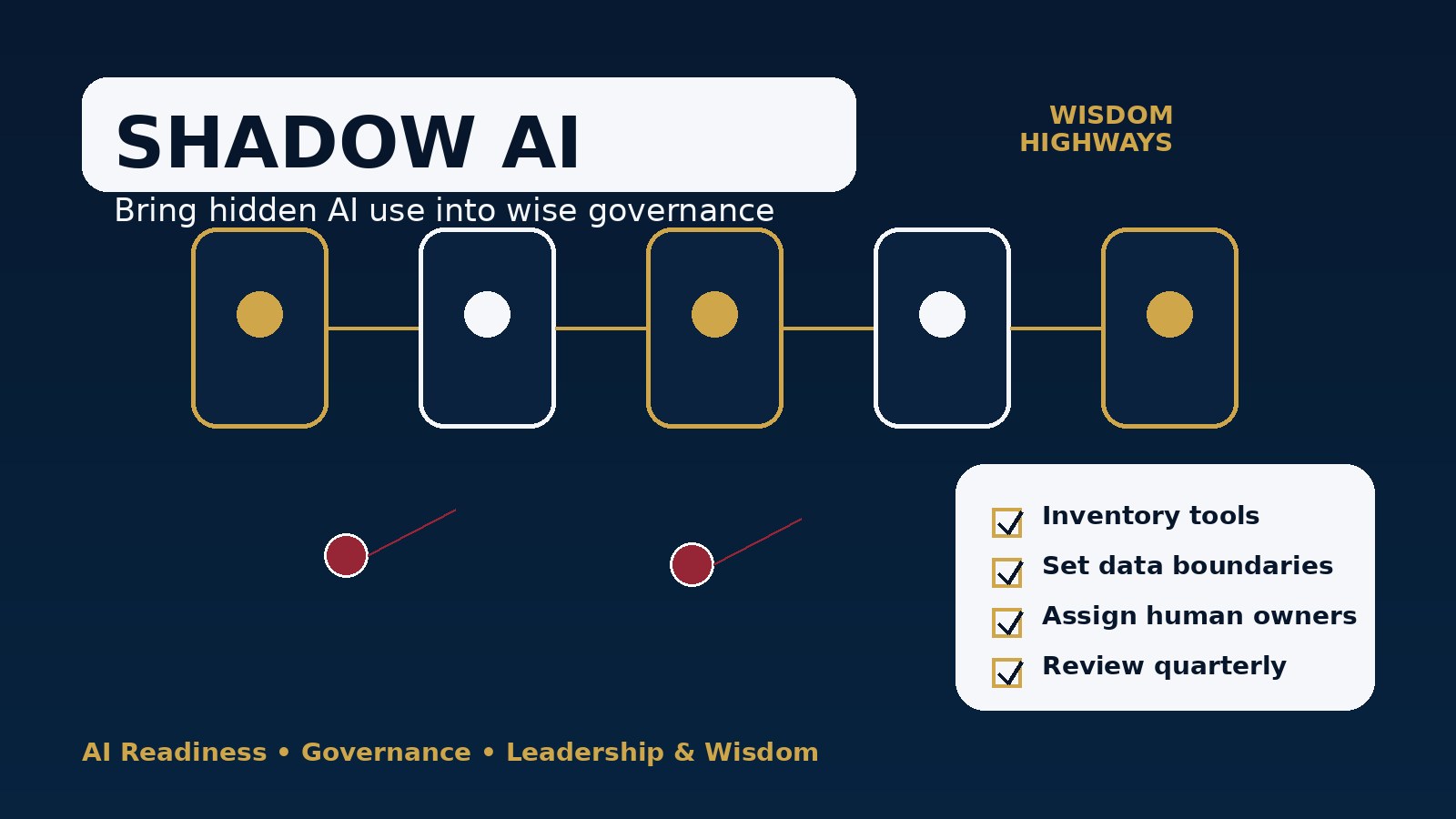
1. Run a no-blame AI usage inventory
Ask staff, contractors and key volunteers: “Which AI tools have you used in the last 90 days to help with organizational work?” Include ChatGPT, Gemini, Claude, Copilot, Canva AI, meeting note tools, browser extensions, image generators, transcription tools, spreadsheet assistants, CRM assistants and automation platforms.
Leadership tip: make the first inventory no-blame. If people fear punishment, they will hide the truth and your governance will be built on false comfort.
2. Sort tools into Green, Yellow and Red lanes
- Green: approved for low-risk brainstorming, grammar help, public-information summaries and non-sensitive drafts.
- Yellow: limited use only, with data restrictions, human review or manager approval.
- Red: prohibited for organizational work because of data, security, content, copyright, impersonation or integration risk.
This gives people clarity without forcing every AI use through a long committee process.
3. Create a sensitive-data boundary
Write one clear rule your whole team can remember: if disclosure would break trust, do not paste it into an unapproved AI tool. Include personal data, pastoral-care information, safeguarding details, donor records, staff matters, client documents, passwords, API keys, unreleased financials and confidential strategy.
4. Decide which outputs require human review
Require responsible human review before AI-assisted content is published, emailed externally, used for pastoral or customer care, sent to donors, used in HR, presented to a board, relied on for financial decisions, or connected to automated actions.
5. Assign an owner for every recurring AI workflow
If a workflow happens more than once, it needs an owner. The owner should know what source material is used, what tool is used, what review step happens, where the output goes, and what could go wrong.
6. Separate drafting from decision-making
AI may help draft options, organize notes or compare alternatives. It should not become the final decision-maker for hiring, firing, pastoral care, safeguarding, credit, pricing, legal conclusions, theological positions, medical guidance or anything that materially affects people without appropriate human accountability.
7. Review connected apps and browser extensions
Shadow AI is not only chatbots. Browser extensions, note-taking bots and connected apps may request access to email, calendars, documents, meetings, drives or customer systems. Leaders should review what is connected, who authorized it, what data it can see, and whether it can act.
8. Create a simple approval path for new AI tools
If approval is slow, people will bypass it. Create a lightweight request form or email path: tool name, intended use, data involved, people affected, cost, owner, review step and whether the tool connects to core systems. Low-risk tools can be approved quickly; high-risk tools need deeper review.
9. Train people on examples, not just policy language
Most shadow AI misuse comes from confusion, not malice. Train with realistic examples: “Can I paste this prayer request?” “Can I upload this donor spreadsheet?” “Can I summarize this customer complaint?” “Can I use AI to write performance feedback?” “Can I connect this meeting bot?” Practical scenarios are more useful than abstract rules.
10. Recheck the inventory every quarter
AI tools change quickly. New features appear. Staff discover new apps. Vendors add AI assistants to tools you already use. Put a quarterly AI inventory review on the calendar and update your Green, Yellow and Red lanes.
A 14-day rollout plan
- Day 1: Announce a no-blame AI usage inventory.
- Day 2–3: Collect tools, accounts, use cases and connected apps.
- Day 4: Identify sensitive data risks and public-output risks.
- Day 5: Create Green, Yellow and Red tool lanes.
- Day 6: Define what must never be pasted into unapproved AI tools.
- Day 7: Decide which outputs require human review.
- Day 8: Assign owners for recurring AI workflows.
- Day 9: Review browser extensions, meeting bots and connected apps.
- Day 10: Create a simple request path for new AI tools.
- Day 11–12: Train staff, contractors or volunteers using real scenarios.
- Day 13: Update your AI policy and data privacy checklist.
- Day 14: Schedule the next quarterly review.
Ministry, nonprofit and SME examples
For a church team
A communications volunteer uses AI to rewrite weekly announcements. That can be a Green use if the source content is already approved and no private pastoral information is included. But using an AI tool to summarize prayer requests, counseling notes or safeguarding situations should be Red unless formal safeguards and leadership approval exist.
For a nonprofit
A program manager asks AI to turn public program descriptions into a grant outline. That may be safe. Uploading beneficiary case notes, private donor history or identifiable field reports into an unapproved tool is not. The nonprofit should create sanitized examples for drafting and keep sensitive records in approved systems.
For a small business
A sales assistant uses AI to improve a generic follow-up email. That can save time. Pasting a customer contract, complaint history or pricing strategy into a personal AI account without approval creates unnecessary risk. A better workflow uses approved templates, anonymized examples and human review before sending.
Common mistakes to avoid
- Banning everything without listening. This often drives AI use underground.
- Approving tools without data boundaries. A tool list is not governance.
- Ignoring volunteers and contractors. They may handle your content, people and data too.
- Letting AI publish or send automatically too soon. Keep humans in the loop before public or consequential action.
- Making the policy too technical. If normal people cannot apply it on Monday morning, it will not protect the organization.
How this connects to AI readiness
Shadow AI is a signal. It may reveal that your team is overwhelmed, your systems are too manual, your approval paths are unclear, or your leaders have not yet translated AI excitement into operating principles. Do not treat that signal as a threat only. Treat it as intelligence.
The healthiest organizations will not be the ones that pretend no one is using AI. They will be the ones that combine curiosity with governance, speed with stewardship, and innovation with human accountability.
Related Wisdom Highways resources
Use this article alongside the AI Policy Template for Churches, Nonprofits and Small Businesses, the AI Data Privacy Checklist, the Human-in-the-Loop AI review guide, and the AI Governance Checklist.
Before AI spreads further, diagnose readiness
If your team is already experimenting with AI, the next wise step is not panic or blind acceleration. It is diagnosis. Take the AI & Systems Readiness Assessment to identify where your organization can reclaim time safely, what needs governance first, and which workflows deserve leadership attention.
Freshness note
This article was prepared in September 2026. Because AI tools, platform terms and regulatory expectations change quickly, leaders should review tool permissions, data-use terms and organizational policy at least quarterly.
Keep learning with Wisdom Highways. Follow our WhatsApp Channel for practical AI tips, time-saving ideas, product updates and selected offers.
Follow WH Premium AI Vault on WhatsApp