
AI Continuous Improvement Backlog: How Leaders Turn Monitoring Signals Into Safer Automation Updates
Freshness note: prepared 2026-10-04; source links and live internal links were checked during editorial preparation.
Monitoring an AI workflow is only useful if the organization knows what to do with what it sees. A dashboard can show warning signs, a usage log can collect issues, and staff can report concerns — but without a simple improvement backlog, those signals easily become noise.
An AI continuous improvement backlog gives pastors, nonprofit leaders and SME owners a practical place to capture, prioritize and resolve the changes that should happen after automation goes live. It turns observation into stewardship. Instead of reacting emotionally to every problem or ignoring small risks until trust is damaged, leaders create a clear rhythm for improving the system.
What is an AI continuous improvement backlog?
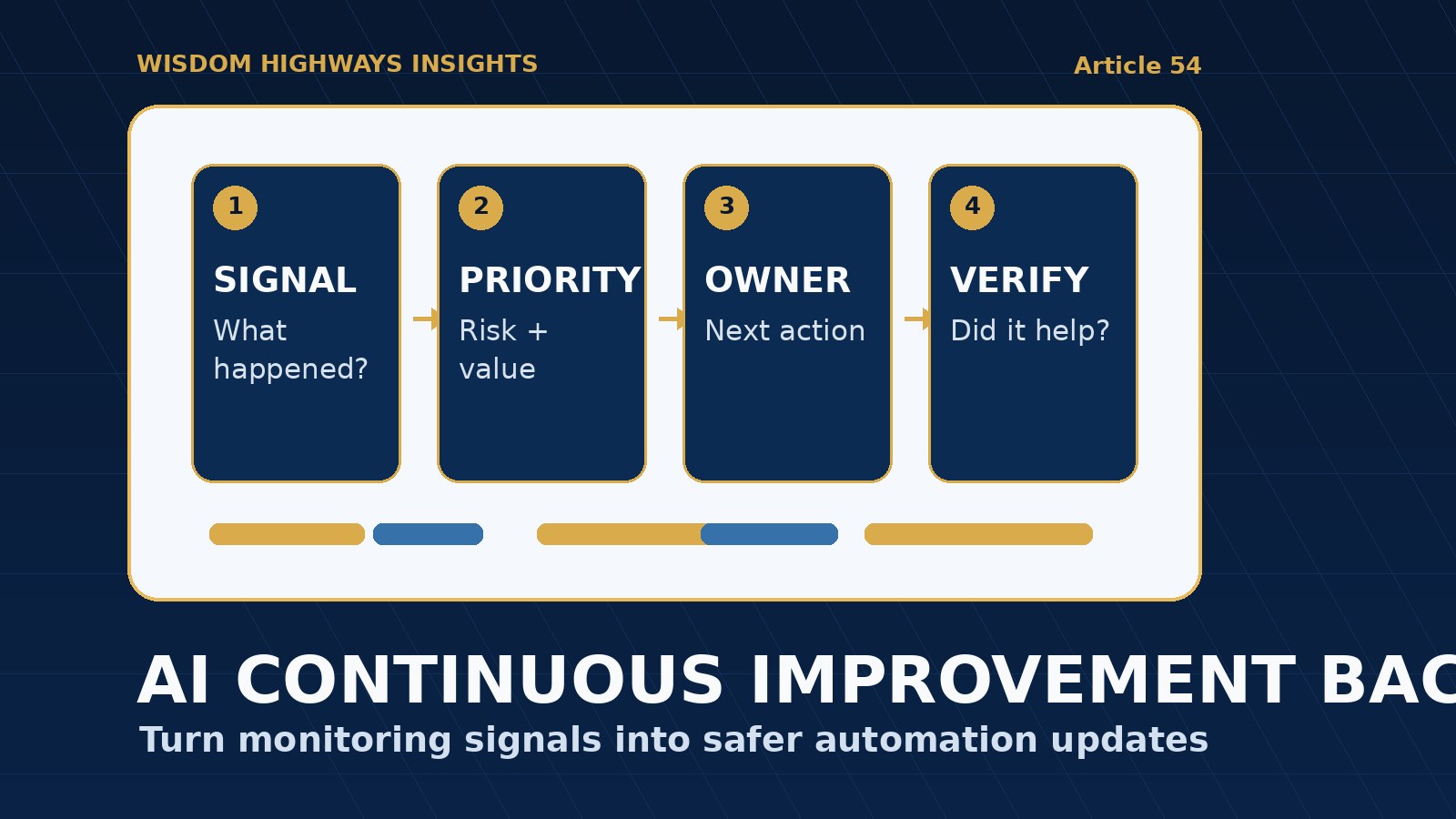
An AI continuous improvement backlog is a prioritized list of fixes, safeguards, prompt updates, policy changes, training needs and process improvements for an AI-assisted workflow. It is not a technical wish list for developers only. It is a leadership tool that answers four simple questions:
- What did we notice?
- Why does it matter for people, mission, risk or time?
- What should change?
- Who owns the next action?
NIST’s AI Risk Management Framework encourages organizations to govern, map, measure and manage AI risk across the lifecycle. OECD’s AI principles emphasize robust, safe and accountable AI. OWASP’s LLM guidance points to practical application risks such as overreliance, excessive agency, sensitive information disclosure and insecure output handling. For smaller organizations, the lesson is practical: after launch, improvement must be organized, not accidental.
Why small teams need this more than they think
Large organizations may have product managers, risk committees, technical teams and formal change boards. A church, ministry, nonprofit or growing business may have one operations leader, a few staff members and many urgent responsibilities competing for attention. That makes a backlog even more important.
Without a backlog, AI issues often fall into one of three unhealthy patterns. First, the team ignores them because everyone is busy. Second, the loudest complaint controls the next change. Third, leaders keep tweaking prompts quietly without recording why anything changed. Each pattern weakens trust.
A backlog helps the team move from scattered concern to wise action. It protects the human review process, preserves context, and helps leaders improve automation without creating chaos.
The WH SIGNAL-to-SOLUTION framework
Wisdom Highways recommends a simple SIGNAL-to-SOLUTION rhythm for post-launch AI improvement:
- Signal: capture what happened.
- Meaning: decide why it matters.
- Priority: rank the item by risk and value.
- Owner: assign one accountable person.
- Change: update the workflow, prompt, policy, access or training.
- Verification: check whether the change actually helped.
This rhythm connects directly to an AI monitoring plan. Monitoring tells you what to notice. The backlog tells you what to improve.
What should go into the backlog?
Not every idea belongs in the backlog. The strongest items are specific enough to act on and important enough to review. Useful backlog entries may include:
- Output quality problems: repeated inaccuracies, weak tone, missing context or unsupported claims.
- Risk and boundary issues: sensitive data exposure, pastoral-care concerns, donor privacy concerns, client promises or staff access problems.
- Workflow friction: steps that save time in theory but create rework in practice.
- Human review gaps: cases where the team is unclear who should approve, pause or escalate.
- Training needs: staff confusion, overtrust, underuse or inconsistent use of the tool.
- Measurement gaps: places where leaders cannot tell whether automation is helping or harming.
- Opportunity improvements: safe changes that could reclaim more time, improve response quality or reduce bottlenecks.
A practical backlog template
Start with a simple table. Avoid overbuilding the system before the team has the habit.
- Date noticed: when the signal appeared.
- Workflow: the automation, agent, chatbot or AI-assisted process involved.
- Signal: what happened in plain language.
- Evidence: link to a sample, log, screenshot, staff note or customer response where appropriate.
- Impact: time, trust, accuracy, privacy, mission, customer experience or pastoral care.
- Priority: urgent, high, medium or low.
- Decision: improve, pause, roll back, train, monitor or close.
- Owner: one person responsible for the next step.
- Due date: when it should be reviewed again.
- Verification: how the team will know the fix worked.
If the workflow is sensitive, do not store unnecessary personal data inside the backlog. Reference evidence carefully, restrict access, and keep the record proportionate to the risk.
How to prioritize backlog items
A backlog fails when everything feels equally urgent. Use four questions to rank items wisely:
- Could this harm a person, relationship or vulnerable group?
- Could this expose sensitive information or create an unauthorized promise?
- Is this happening repeatedly, or was it a one-time edge case?
- Would fixing this reclaim meaningful time or improve mission-critical work?
High-risk items should move quickly into an AI exception handling policy, AI escalation policy or AI incident response plan. Lower-risk items can be grouped into a weekly or monthly improvement cycle.
Examples by organization type
Pastor or ministry leader: An AI-assisted communications workflow drafts follow-up messages for new visitors. Monitoring shows the messages are accurate but too generic. The backlog item is not “AI is bad.” It is “Improve visitor follow-up prompt to include warmth, next-step clarity and human review before sending.” Verification: review ten messages next week and ask whether they sound pastoral, specific and appropriate.
Nonprofit leader: A donor segmentation workflow helps identify supporters for updates. Staff notice that some categories feel too sensitive. The backlog item becomes “Review donor data categories and remove unnecessary sensitive labels.” Verification: revised data fields are approved and staff are trained on appropriate use.
SME owner: A proposal assistant speeds up draft creation but occasionally includes services outside the approved scope. The backlog item becomes “Add scope boundary language and require human approval before client-facing proposals.” Verification: three consecutive proposal samples match approved service boundaries.
Connect improvement to rollback and decommissioning
Some backlog items reveal that a workflow needs a small prompt adjustment. Others reveal that the team should pause, roll back or retire a tool. Wise leaders do not keep a broken workflow alive just because effort has already been invested.
If an update creates new risk, use an AI rollback plan. If a tool no longer serves the mission, duplicates another system, creates too much oversight burden or cannot meet the organization’s standards, use an AI decommissioning plan. Continuous improvement includes the courage to stop what should not continue.
Common mistakes to avoid
- Tracking issues without deciding anything: a backlog is not a museum of problems.
- Letting technical curiosity outrank mission risk: fix what affects people and trust first.
- Blaming staff for unclear systems: repeated user confusion may mean the process needs redesign.
- Making secret changes: record important prompt, access, policy and workflow updates.
- Measuring only speed: time savings matter, but not at the cost of accuracy, care or trust.
A weekly improvement meeting agenda
- Review new signals from the monitoring plan.
- Close items that were resolved and verified.
- Escalate any sensitive, repeated or high-risk issues.
- Select one to three improvements for the next cycle.
- Assign owners and dates.
- Record decisions in the audit trail.
- Ask whether the workflow is still serving people and mission.
This meeting can be 20 minutes. The point is not bureaucracy. The point is leadership attention before small problems become organizational habits.
Leader checklist
- Create one backlog for each active AI-assisted workflow or one combined backlog for smaller teams.
- Capture signals from monitoring, usage logs, staff feedback and customer or ministry responses.
- Prioritize by risk, trust, mission fit and time value.
- Assign one owner per item.
- Verify improvements with real examples.
- Use rollback or decommissioning when improvement is not enough.
- Review the backlog on a consistent rhythm.
Wisdom Highways perspective: automation should become wiser over time, not merely faster. A continuous improvement backlog helps leaders reclaim time while protecting people, mission and trust. It keeps technology under stewardship instead of letting unmanaged systems quietly shape the organization.
Related resources
Sources and further reading
- NIST AI Risk Management Framework — lifecycle governance, mapping, measuring and managing AI risk.
- NIST Generative AI Profile AI 600-1 — generative AI risk management, overreliance, harmful output and monitoring considerations.
- OECD AI Principles — human-centred, robust, safe, transparent and accountable AI expectations.
- OWASP Top 10 for LLM Applications — practical LLM application risks including excessive agency and sensitive information disclosure.
- UK Government Generative AI Framework — assurance, accountability, monitoring and responsible use practices.
- NIST Cybersecurity Framework — identify, protect, detect, respond and recover disciplines useful for operational improvement cycles.
- Google People-First Content Guidance — public content quality standards for helpful, people-first publishing.
Keep learning with Wisdom Highways. Follow our WhatsApp Channel for practical AI tips, time-saving ideas, product updates and selected offers.
Follow WH Premium AI Vault on WhatsApp