
AI Governance · Risk Decisions · Leadership Systems
AI Exception Log: How Leaders Should Track Overrides, Near Misses and Risk Decisions
Freshness note: prepared September 20, 2026 for churches, nonprofits, SMEs and purpose-driven organizations building practical AI governance without heavy bureaucracy.
Most AI problems do not begin as dramatic failures. They begin as exceptions that nobody records. Someone pastes information that should have been anonymized. A team uses an unapproved tool because the approved process feels too slow. A leader overrides a policy for a deadline. A draft goes public before human review. Nothing terrible happens that day, so the organization moves on — until the same pattern repeats.
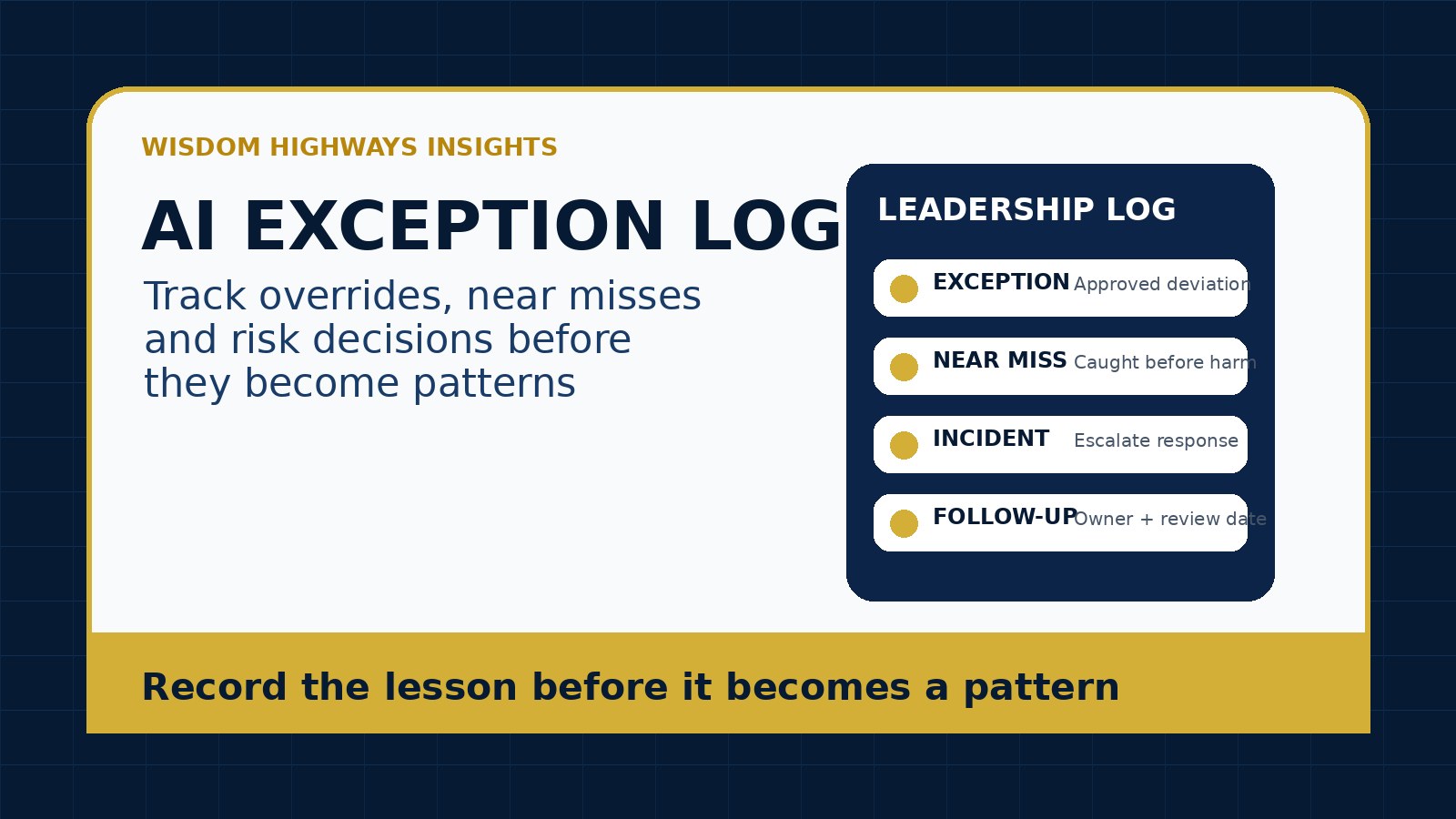
An AI exception log is a simple leadership tool for capturing those moments before they become habits. It records policy exceptions, near misses, overrides, sensitive decisions, vendor concerns, unusual outputs and follow-up actions. It does not require enterprise software. A well-designed spreadsheet can be enough for many churches, nonprofits and small businesses.
The purpose is not blame. The purpose is visibility. Wise leaders cannot improve what remains hidden. If your team is adopting AI, automation, copilots or agents, an exception log helps you see where governance is working, where it is being bypassed, and which decisions need better training, policy, workflow design or leadership attention.
What is an AI exception log?
An AI exception log is a structured record of moments when AI use departs from normal policy, creates a near miss, requires an override, exposes a risk, or teaches the organization something important. It sits between everyday tool usage and formal incident response. Not every entry is a crisis. Many entries are early warnings.
For example, a staff member may request permission to use a public AI tool for a one-time task because the approved tool cannot handle a format. A pastor may decide that a sensitive pastoral-care summary should not be processed by AI even though the general meeting-summary tool is approved. A business owner may allow a controlled exception for a client deadline, but require follow-up review. A nonprofit team may discover that a volunteer copied identifiable beneficiary details into a draft prompt, then correct the process before harm occurs.
Without a log, these lessons stay inside conversations. With a log, leaders can see patterns and improve the system.
Why exceptions matter in AI governance
AI governance is often described through policies, principles and approval workflows. Those are important. But the real test of governance happens when normal rules meet real pressure: urgent deadlines, unclear ownership, staff turnover, free tools, confidential data, donor communication, pastoral sensitivity, client expectations, and automation that saves time but may create risk.
The NIST AI Risk Management Framework emphasizes governing, mapping, measuring and managing AI risk over time. An exception log supports that rhythm because it gives leaders evidence from actual use, not only assumptions from policy documents. The OWASP Top 10 for Large Language Model Applications highlights risks such as sensitive information disclosure, insecure output handling and excessive agency. Many of those risks first appear as near misses or small deviations. CISA’s Secure by Design guidance also reinforces the value of reducing preventable risk before problems become expensive.
In Wisdom Highways language, an exception log helps leaders keep wisdom ahead of automation. It turns scattered concerns into a learning system.
The difference between an exception, a near miss and an incident
Leaders should use plain language so people know what to report. The categories do not need to be complicated.
| Category | Meaning | Example | Typical response |
|---|---|---|---|
| Exception | A deliberate departure from the normal rule, usually approved or reviewed | Using a different AI tool for a one-time file format issue | Record why, who approved it, boundaries and review date |
| Near miss | A risk was almost created, or was caught before harm occurred | Sensitive information was nearly pasted into a public tool, but the user stopped | Record lesson, clarify training and improve the workflow |
| Incident | Something actually went wrong or may have caused harm | Confidential details were uploaded, public misinformation was sent, or an automation acted incorrectly | Activate the AI incident response plan |
This distinction protects the culture. If every mistake is treated like a scandal, people hide information. If every concern is ignored, risk grows. A mature organization records, learns and escalates appropriately.
When should a church, nonprofit or SME log an AI exception?
Use the log when an AI-related decision deserves memory. That includes moments such as:
- A team uses a tool that is not in the approved AI tool inventory.
- A leader overrides the normal AI approval workflow for urgency.
- A user requests higher access than their role normally needs.
- A vendor changes settings, data terms, pricing, model behavior or integration permissions.
- AI output is inaccurate, inappropriate, biased, overly confident, insensitive, doctrinally questionable, legally risky or brand-damaging.
- An automation almost sent the wrong message, updated the wrong record or triggered the wrong action.
- Sensitive data was almost entered, was entered by mistake, or may have been stored somewhere unexpected.
- A staff member, volunteer, contractor or ministry worker finds a workaround because the official process is too slow.
- A human reviewer rejects or substantially rewrites AI-generated public communication.
- An AI agent or integration behaves differently from what was approved.
The rule is simple: if you would want to remember the decision three months from now, log it today.
The Wisdom Highways AI exception log template
A practical exception log should be short enough that people use it, but complete enough to guide follow-up. Use these fields:
- Date discovered: when the exception, near miss or concern was noticed.
- Reported by: person or role, not for blame but for context.
- Tool or workflow: AI platform, automation, agent, plugin, browser extension or process involved.
- Category: exception, near miss, incident, vendor concern, output concern, data concern, access concern or policy gap.
- Description: plain-language summary of what happened.
- Data involved: public, internal, confidential, personal, pastoral, donor, client, HR, financial, children’s, legal or unknown.
- Decision made: approved, rejected, paused, escalated, corrected, accepted temporarily or sent to incident response.
- Approver or owner: who is accountable for the decision or follow-up.
- Immediate action: what was done right away.
- Root cause: unclear policy, weak training, tool limitation, deadline pressure, permission gap, vendor issue, poor prompt, unclear ownership or process design.
- Follow-up action: update policy, retrain team, change access, remove tool, add review step, improve prompt library, revise approval workflow or monitor.
- Review date: when leadership checks whether the action worked.
For smaller organizations, this can live in a secure spreadsheet restricted to the responsible leaders. For higher-risk environments, connect it to an existing risk register, compliance process or board reporting rhythm.
Examples of AI exceptions worth recording
Church example: pastoral sensitivity
A church administrator wants to summarize notes from a pastoral-care meeting because the team is overwhelmed. The senior pastor pauses the idea because the notes include private spiritual and family matters. The exception log records the request, the decision not to use AI, the reason, and the follow-up action: create a non-AI pastoral note summary template and train administrators on what data is prohibited. This protects trust while still improving the workflow.
Nonprofit example: beneficiary story draft
A nonprofit communications assistant drafts a beneficiary impact story with AI. The first draft includes details that could identify the person even after the name is removed. A manager catches it before publication. The near miss is logged. The follow-up action is to create a redaction checklist and require human review for all AI-assisted beneficiary stories.
SME example: sales automation override
A small business uses an AI-assisted CRM workflow to draft follow-up emails. During a launch week, a sales lead allows a temporary override so the system can generate a larger batch. A wrong assumption appears in several drafts, but review catches it before sending. The log records the override, the pressure that caused it, and the decision to keep batch generation but add a required approval step before external send.
How to keep the log from becoming bureaucracy
Many leaders avoid governance tools because they fear paperwork. The answer is not to remove accountability; it is to design the log around decisions that matter.
- Keep entries brief. Five clear sentences are better than a long report nobody writes.
- Use checkboxes for common categories. Make reporting faster than avoiding it.
- Review the log monthly. Look for repeated patterns, not isolated embarrassment.
- Separate learning from discipline. Most near misses should improve systems, not punish people.
- Escalate only when needed. Serious data exposure, public harm, legal risk or unsafe automation should move to incident response.
- Close the loop. Every meaningful entry should have an owner and follow-up action.
If the log becomes a graveyard of unresolved concerns, people will stop using it. If it leads to visible improvement, the culture will trust it.
What leaders should review each month
Once a month, a pastor, executive director, owner, operations lead or governance group can review the log with five questions:
- Which exceptions are repeating?
- Which policies are unclear or unrealistic?
- Which tools or integrations create the most concern?
- Which roles need better training, access boundaries or human review?
- Which decisions should update our AI governance review cadence?
Patterns matter more than shame. A repeated exception may mean the rule is unclear. A repeated near miss may mean training is weak. A repeated override may mean leaders are asking people to move faster than the process can support. A repeated vendor concern may mean it is time to change tools.
How the exception log connects to other AI controls
The exception log should not stand alone. It connects naturally with:
- AI policy: exceptions reveal where policy needs clarification.
- Tool inventory: exceptions reveal hidden or unapproved tools.
- Access control: exceptions reveal permissions that are too broad or too vague.
- Approval workflow: exceptions reveal where decisions are being rushed or bypassed.
- Incident response: exceptions help leaders escalate serious issues quickly.
- Training plan: exceptions reveal what staff, volunteers and contractors need to learn next.
This is how a small organization builds governance without pretending to be a corporation. It creates a lightweight learning loop: notice, record, review, improve.
The Wisdom Highways perspective: record the lesson before it becomes a pattern
Wisdom-led systems do not assume people will always remember the right boundary under pressure. They make the right boundary visible, teachable and reviewable. An exception log helps leaders record the lesson while it is still small.
For churches, this protects trust and pastoral integrity. For nonprofits, it protects beneficiaries, donors and mission credibility. For small businesses, it protects clients, brand reputation and operational consistency. In every setting, it reminds the team that automation should serve people, not quietly outrun accountability.
Do not wait for a major incident before you learn from AI exceptions. Start with a simple log, review it faithfully, and let each entry improve the system.
Related Wisdom Highways insights
- AI Approval Workflow: A Simple Sign-Off Process Before Your Team Launches New Tools
- AI Incident Response Plan for Small Organizations
- AI Access Control Checklist: Who Should Be Allowed to Use Which Tools?
- AI Tool Inventory Template: Know What Your Team Is Using Before Risk Spreads
- AI Governance Review Cadence: How Often Leaders Should Recheck AI Tools After Launch
- AI Policy Template for Churches, Nonprofits and Small Businesses
Sources and further reading
- NIST AI Risk Management Framework — governance, mapping, measuring and managing AI risk over time.
- OWASP Top 10 for Large Language Model Applications — common LLM application risks including sensitive information disclosure, insecure output handling and excessive agency.
- CISA Secure by Design — preventative security design principles relevant to AI-enabled workflows.
- OECD AI Incidents Monitor — public resource for understanding AI-related incidents and the importance of learning from failures.
Keep learning with Wisdom Highways. Follow our WhatsApp Channel for practical AI tips, time-saving ideas, product updates and selected offers.
Follow WH Premium AI Vault on WhatsApp