
AI Governance • Leadership Systems • Risk Prevention
AI Exception Log: Track Rule Overrides Before Small AI Risks Become Culture
Most AI problems do not begin as scandals. They begin as small exceptions nobody records. A staff member pastes a real client email into a chatbot because the deadline is close. A ministry volunteer uses an unapproved tool because it is faster. A manager approves an AI-generated message without checking the source. Each moment may look harmless by itself. But if leaders do not see the pattern, the organization slowly trains itself to treat AI rules as suggestions.
That is why a simple AI exception log matters. It is not a blame document. It is a wisdom system. It helps pastors, founders, nonprofit directors and SME operators notice where policy and real work are colliding before trust, privacy or reputation is damaged.
The problem: policies fail quietly when exceptions stay invisible
Many organizations now have some kind of AI rule: do not paste sensitive information, do not publish unchecked AI content, do not connect tools without approval, do not automate communication without human review. Those rules are good, but rules alone do not govern behavior. People still face pressure, confusion, emergencies and gaps in training.
The real governance question is not, “Did we write a policy?” The better question is, “Can we see when the policy is being stretched, broken or misunderstood?” If the answer is no, the organization is depending on luck.
For a church, the risk may be pastoral trust. A prayer request, counseling note or member situation should not be treated like ordinary content. For a nonprofit, donor information and beneficiary stories carry dignity and legal responsibility. For an SME, client records, employee issues, contracts and financial details may create commercial, privacy or employment risk if handled casually in AI tools.
What an AI exception log is
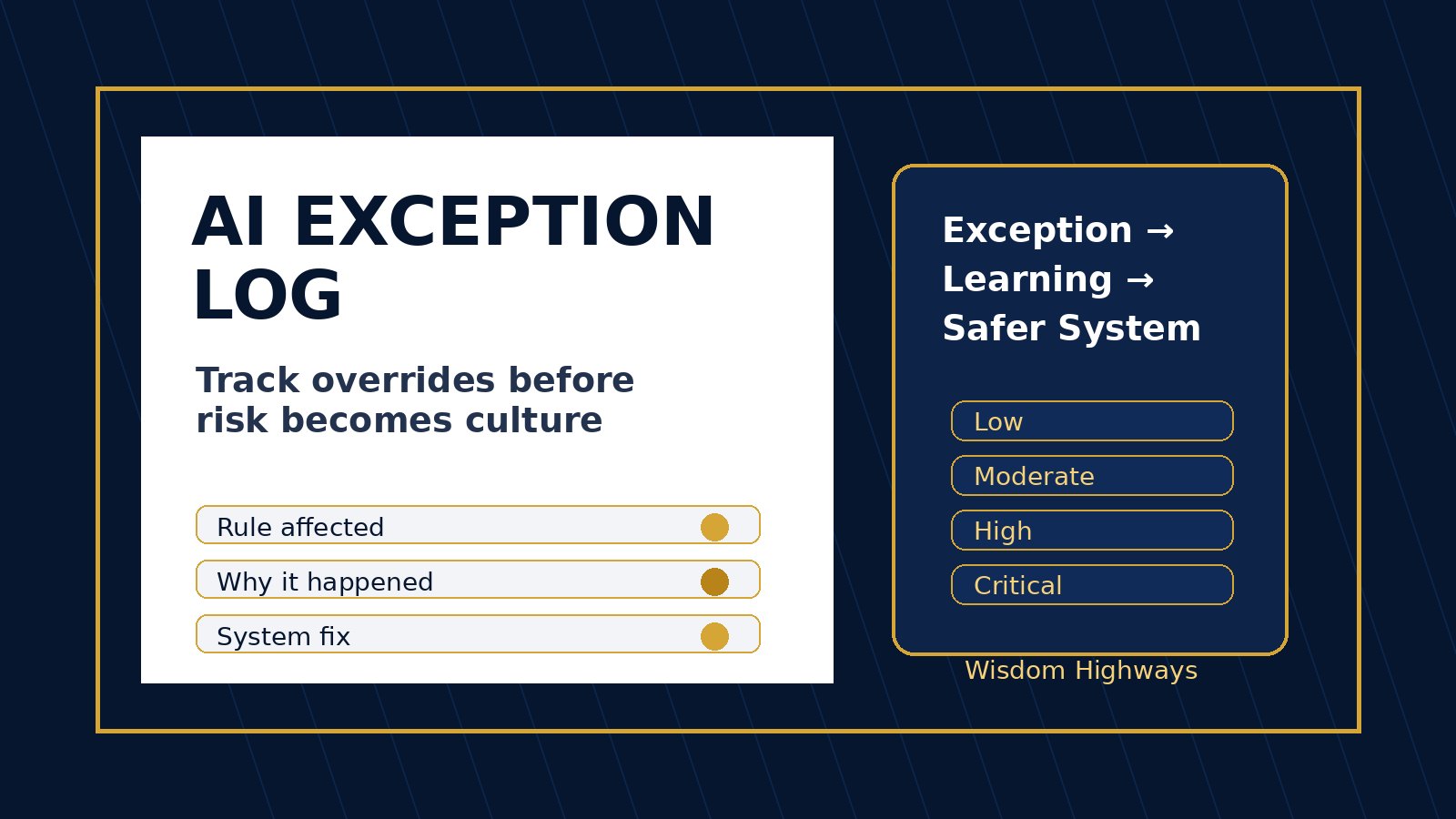
An AI exception log is a lightweight record of moments when a team needs to do something outside the normal AI rule, accidentally does something outside the rule, or discovers that the rule is unclear. It captures the event, the reason, the decision, the risk level, the person who approved it and the follow-up action.
It should be simple enough for daily use. If the log becomes a bureaucratic punishment system, people will hide exceptions. If it is framed as a learning tool, people will report them earlier and leaders can improve the system.
Why this fits responsible AI guidance
Global responsible AI guidance keeps returning to the same themes: accountability, risk management, transparency, human oversight and protection of people. The NIST AI Risk Management Framework encourages organizations to govern, map, measure and manage AI risks rather than treating AI as a one-time technology purchase. The OECD AI Principles emphasize human-centered values, transparency, robustness and accountability. The UK ICO guidance on AI and data protection reminds organizations that AI use must still respect data-protection obligations. CISA’s Secure by Design work reinforces the wider principle that safety should be built into systems rather than bolted on after incidents.
Wisdom Highways translates those principles into a practical leadership habit: if an AI rule is overridden, record it, learn from it and fix the system that made the override attractive or necessary.
The WH AI Exception Log framework
Use a simple eight-field log. It can live in a secure spreadsheet, project-management tool, internal form or governance dashboard. The tool matters less than the discipline.
1. Date and team area
Record when the exception happened and where it occurred: admin, communications, finance, pastoral care, sales, operations, customer service or leadership. Over time this reveals which area needs more training, better tools or clearer boundaries.
2. AI tool or workflow involved
Name the tool, integration, prompt workflow or automation involved. This helps leaders see whether the problem is tool-specific, workflow-specific or general behavior across the organization.
3. Rule or boundary affected
Connect the event to a specific rule: sensitive data, publishing approval, automation permission, client confidentiality, donor/member information, financial data, HR information or external communication. If no rule exists, write “rule unclear.” That is not failure; it is useful information.
4. What happened
Describe the event plainly without dramatizing it. For example: “Team member pasted a client email into an AI tool to summarize the issue before removing personal details.” Or: “Volunteer used an unapproved design tool to generate event graphics.” Keep the record factual and respectful.
5. Why it happened
This is the leadership gold. Was the person under time pressure? Was the approved tool too slow? Was the policy unclear? Was training missing? Was the manager unavailable? Was the workflow unrealistic? The answer shows whether the solution is correction, training, process redesign, clearer ownership or a better tool.
6. Risk level
Use simple labels: low, moderate, high or critical. A low-risk exception might involve non-sensitive formatting help. A moderate risk might involve internal but non-confidential work information in an unapproved tool. A high risk may involve personal, pastoral, donor, staff, legal, financial or client data. Critical risk means there may be real harm, disclosure, legal exposure or reputational damage requiring senior review.
7. Approval or immediate action
Record who approved the exception or what was done after discovery. Was the content deleted? Was the tool access removed? Was the message reviewed? Was the client or member information anonymized? Did leadership approve a one-time exception? The log should show accountability, not merely observation.
8. System fix required
Every exception should end with one of four decisions: no action needed, clarify the rule, train the team, or redesign the workflow. Without this final field, the log becomes an archive instead of a leadership tool.
Examples for churches, nonprofits and SMEs
Church example: pastoral sensitivity
A church administrator wants to turn several prayer requests into a weekly intercession summary. The requests include personal medical and family details. Instead of pasting the raw messages into AI, the team records an exception request: “Need summarization support, but data is sensitive.” Leadership decides that only anonymized themes may be used, no names or identifying details, and a human ministry leader must review the output. The system fix is a template for anonymizing prayer requests before any AI assistance.
Nonprofit example: donor and beneficiary stories
A nonprofit communications assistant uses AI to polish a beneficiary story for a campaign. The story includes identifying details and a difficult personal situation. The exception log records the risk and the reason: campaign deadline plus unclear consent status. The fix is not simply “do not do that again.” The better fix is a story-consent checklist and a safe drafting process using fictionalized or approved details only.
SME example: client service speed
A customer service manager copies a client complaint into an AI tool to draft a response quickly. The message includes names, order details and payment context. The exception log shows that the team lacks an approved complaint-response workflow. The fix is a prompt template that uses anonymized summaries, plus a rule that no payment, medical, legal, HR or confidential client details go into public AI tools.
How to introduce the log without creating fear
The tone matters. If people believe the log exists to catch and punish them, they will hide small mistakes until they become large ones. Leaders should introduce it as a protection mechanism: protection for people, for trust, for the mission and for the team member who needs clarity.
You can say: “We are not trying to embarrass anyone. We are trying to learn where our AI rules meet real work. If the rule is unclear, we will clarify it. If the workflow is unrealistic, we will improve it. If sensitive information is at risk, we will protect it quickly.”
A 30-minute setup checklist
- Create one secure log location with limited access.
- Add the eight fields: date/team, tool/workflow, rule affected, what happened, why it happened, risk level, action/approval, system fix.
- Name one accountable reviewer, not a vague committee.
- Define risk levels in plain language.
- Tell the team what must be logged: sensitive data use, unapproved tools, automated messages, public content, client/member/donor/staff information, and unclear AI decisions.
- Review the log weekly for the first month, then monthly once behavior stabilizes.
- Turn recurring exceptions into training, templates, policy updates or workflow redesign.
Common mistakes to avoid
Mistake 1: Logging only disasters. By then, the learning opportunity arrived too late. The log is most valuable for near misses and small repeated workarounds.
Mistake 2: Making the form too long. If it takes fifteen minutes to log a minor exception, busy teams will avoid it. Start lean.
Mistake 3: Treating every exception as disobedience. Some exceptions reveal bad behavior. Others reveal bad system design. Wise leaders learn the difference.
Mistake 4: Never closing the loop. If people report exceptions but nothing changes, they will stop reporting. Every pattern should lead to a visible improvement.
Internal links for a stronger AI governance system
An exception log works best when connected to other governance tools. Start with AI consent and data boundaries so teams know what information can and cannot be used. Add an AI decision-rights matrix so people know what AI may suggest, draft or decide. Use an AI ownership register so every tool has an accountable human owner. Then maintain an AI source-of-truth map so policies, prompts, data owners and approvals do not scatter across inboxes.
Wisdom Highways perspective
AI governance is not anti-innovation. It is how responsible innovation stays trustworthy. A wise organization does not pretend people will never make exceptions. It builds a system where exceptions become signals, not secrets.
For Wisdom Highways, the principle is simple: wisdom before automation. Systems should serve mission and people, not pressure people into risky shortcuts. The AI exception log helps leaders see where the machinery needs adjustment before a small shortcut becomes normal culture.
Related resources
- AI Consent and Data Boundaries
- AI Decision-Rights Matrix
- AI Ownership Register
- AI Source-of-Truth Map
Freshness note: This article was prepared in October 2026. Review quarterly as AI tools, privacy obligations and platform policies change.
Keep learning with Wisdom Highways. Follow our WhatsApp Channel for practical AI tips, time-saving ideas, product updates and selected offers.
Follow WH Premium AI Vault on WhatsApp