
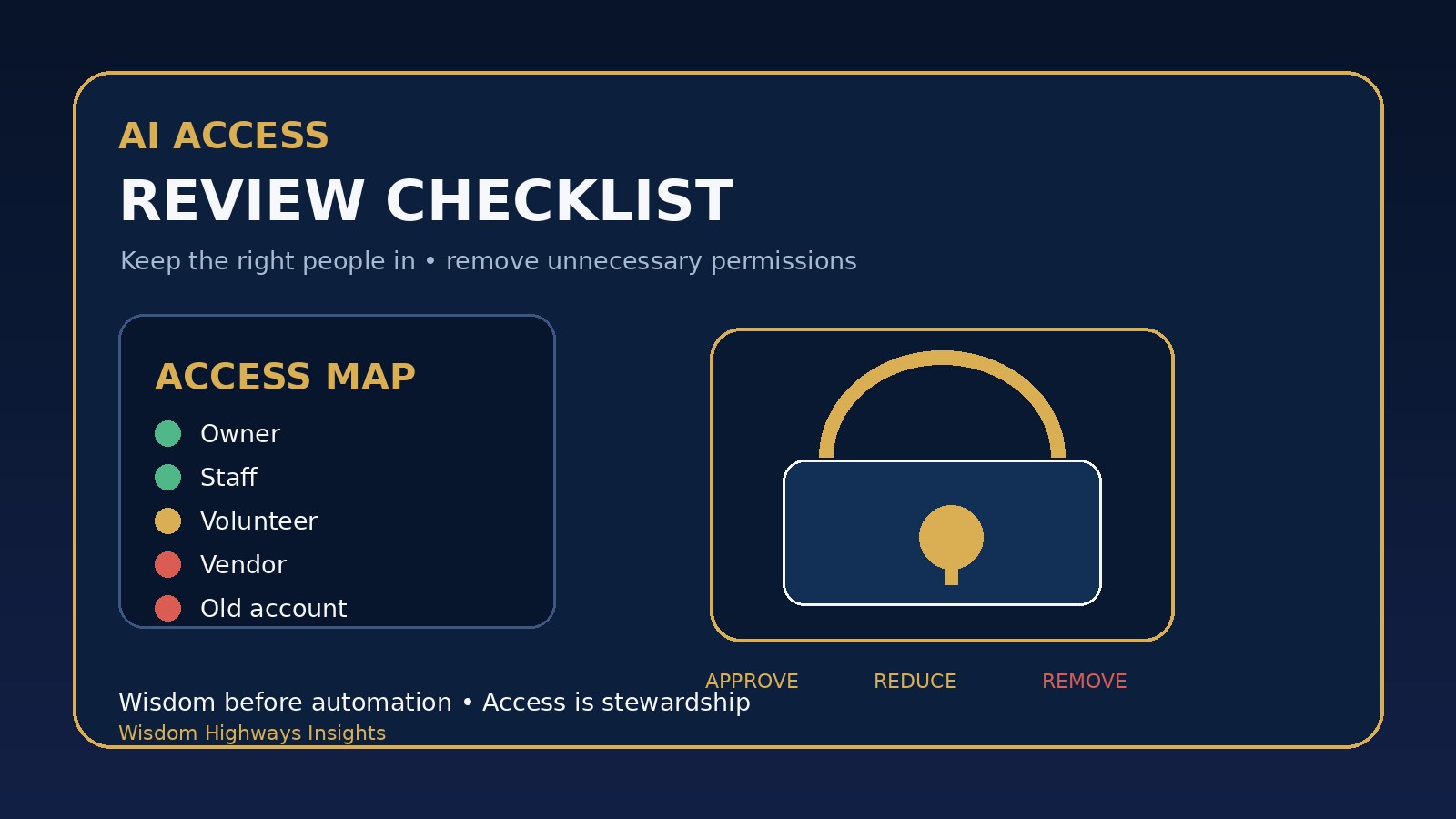
An AI tool becomes risky when the wrong people can still reach it. The danger is not always a dramatic cyberattack. Sometimes it is an old volunteer account, a former contractor, a shared login, an unnecessary integration, or a staff member who can export sensitive data long after their role has changed.
That is why leaders need an AI access review checklist. If your church, nonprofit or small business is using AI tools for writing, admin, customer support, donor communications, operations, analytics or automation, access should not be treated as a one-time setup task. It should be reviewed as part of responsible stewardship.
This guide gives pastors, ministry administrators, nonprofit executives and SME owners a practical way to review who has access, what permissions they have, which integrations are connected, and what should be removed before a small convenience becomes a serious risk.
Why AI access reviews matter now
Many organizations began their AI journey with experimentation. A leader created an account. A staff member tested a writing assistant. A department connected an automation tool. A volunteer tried a summarizer. In the early stage, access often grows faster than governance.
That creates a quiet problem: people may keep access after their role changes, tools may stay connected after the pilot ends, and permissions may become broader than the original need. NIST’s AI Risk Management Framework points leaders toward governing, mapping, measuring and managing AI risk throughout the lifecycle. NIST’s Cybersecurity Framework also reinforces the importance of governing and protecting digital systems. The practical lesson is simple: access is not merely technical administration. It is leadership oversight.
Wisdom Highways frames this as wisdom before automation. If AI tools can touch your people, data, messages, decisions or workflows, then access must be handled with care. Systems serve mission and people; they should not create hidden exposure.
Start with a truthful AI tool inventory
You cannot review access for tools you cannot name. Before the access conversation, confirm the organization’s AI tool inventory: tool name, owner, approved use case, users, connected systems, data types, renewal date and current status.
For churches and ministries, this may include AI writing tools, sermon research assistants, social scheduling tools, donor communication aids, volunteer workflow tools and admin automations. For SMEs, it may include CRM assistants, support chatbots, sales email tools, meeting summarizers, document processors and analytics tools. For nonprofits, it may include grant drafting, program reporting, donor segmentation, case notes, translation or volunteer coordination tools.
The ACCESS checklist
Use the ACCESS framework monthly for high-risk tools, quarterly for routine tools, and immediately after staff, contractor, volunteer or vendor changes.
A — Accounts and owners
Every AI tool should have a named business owner and an administrator. The owner decides whether the tool still fits the mission. The administrator manages users, permissions, billing and configuration. If no one owns the tool, no one is truly accountable for its risk.
- Who owns this AI tool today?
- Who can add or remove users?
- Are there shared logins that should be replaced with named accounts?
- Are former staff, volunteers, interns, contractors or vendors still active?
- Is there a backup administrator in case the main owner is unavailable?
C — Connected systems and integrations
AI tools often become risky through connections. A tool that began as a writing helper may later connect to email, calendars, files, CRM, payment records, website forms or messaging platforms. Each connection should be reviewed.
- What systems can this AI tool read from or write to?
- Can it access email, files, donor data, member data, customer data or financial data?
- Are integrations still needed for the approved use case?
- Have API keys, webhooks or automation tokens been documented?
- Would the AI vendor security questionnaire still pass if reviewed today?
C — Capability and permission level
Not every user needs the same power. Some people only need to draft content. Others may need to manage templates. Very few should control billing, integrations, data export, model settings or administrative permissions.
- Who has administrator access?
- Who can export data, invite users, connect apps or change settings?
- Can permissions be reduced to match the person’s actual role?
- Are volunteers, junior staff or temporary contractors over-permissioned?
- Are privileged actions logged or reviewed?
Microsoft’s identity governance guidance describes access reviews as a way to manage app access, group memberships and privileged roles over time. Smaller organizations may not use enterprise identity tools, but the principle still applies: permissions should be reviewed, justified and reduced when no longer needed.
E — Exposure of sensitive data
Access review should ask what data could be seen, copied, summarized, exported or used inside the tool. The answer may change as teams become more comfortable with AI.
- Does the tool handle pastoral care, counselling, prayer requests, donor, employee, customer, child, financial or health-related information?
- Can users paste sensitive data into prompts without warning?
- Are outputs stored, searchable or shared beyond the intended team?
- Does the tool retain data longer than needed?
- Does your AI data retention policy say what should be kept, deleted or anonymized?
ICO guidance on AI and data protection emphasizes accountability, fairness, security and appropriate handling when personal data is involved. For a ministry or small business, the safest posture is not fear. It is disciplined clarity about what the tool may touch.
S — Staff changes and lifecycle events
Access often becomes stale because people move faster than systems. Someone changes role, leaves the organization, finishes a project, completes a volunteer term, or stops supporting a workflow. The AI tool does not automatically know that their access should change.
- Was access removed when people left?
- Were permissions changed when roles changed?
- Do contractors and vendors have end dates?
- Are volunteer and seasonal accounts reviewed after events or campaigns?
- Is access review included in onboarding and offboarding checklists?
S — Sign-off and next review date
An access review should end with recorded decisions. Do not let the meeting become a vague conversation. Record what was approved, reduced, removed, restricted or escalated.
- Which users remain approved?
- Which permissions were reduced?
- Which accounts, API keys or integrations were removed?
- Which risks require policy, training or vendor follow-up?
- When is the next review due?
Common access risks leaders miss
- Shared logins. They make accountability almost impossible.
- Former users. Staff, volunteers and contractors may remain active after their work ends.
- Overpowered roles. Too many people can manage billing, integrations, exports or settings.
- Forgotten integrations. A test connection to email, CRM or files may remain active after the pilot.
- Unreviewed AI agents. Agent-style tools may act across connected systems, so access boundaries matter even more.
- Personal accounts used for organizational work. Important prompts, files and history may sit outside organizational control.
CISA’s Secure by Design guidance is relevant here: reduce preventable weaknesses before they become normal. Access mistakes are often preventable when leaders build a small review rhythm before tools become deeply embedded.
Examples for ministry, nonprofit and business leaders
Church communications: A church uses an AI assistant for announcements, captions and volunteer messages. The communications team has changed, but several former volunteers still have access. The wise action is to remove inactive accounts, replace shared credentials and define who may approve public-facing AI-assisted content.
Nonprofit reporting: A nonprofit uses AI to summarize program updates and draft donor reports. The review shows that a vendor account can still access historic files. The wise action is to restrict vendor access, confirm data retention rules and ensure sensitive client details are anonymized before use.
SME customer support: A business connects an AI support tool to helpdesk tickets and website chat. The review finds that too many team members can change responses and export conversations. The wise action is to reduce permissions, assign a tool owner and add the tool to the AI monitoring plan.
A 30-minute AI access review meeting
Use this simple agenda when time is limited:
- Confirm the tool and owner. What tool is being reviewed, and who owns it?
- Review active users. Who has access today, and why?
- Review permission levels. Who has admin, export, billing, integration or automation rights?
- Review connected systems. What apps, files, databases or workflows are connected?
- Remove or reduce access. Close inactive accounts, reduce unnecessary roles and revoke stale integrations.
- Record decisions. Note owner, actions taken, risks found and next review date.
When to trigger an immediate access review
- A staff member, volunteer, contractor or vendor leaves.
- A tool connects to email, CRM, files, payment systems, member databases or customer records.
- A tool moves from pilot to regular use.
- An AI agent or automation gains permission to take actions, not only draft content.
- A vendor changes terms, features, data handling or admin controls.
- A mistake, complaint, data concern or confusing output occurs.
- A renewal decision is approaching; pair this with the AI renewal review checklist.
The Wisdom Highways access principle
Access is stewardship. It shows whether an organization is treating AI as a toy, a trend or a trusted operational system. The goal is not to make work slow or suspicious. The goal is to keep the right people empowered while preventing unnecessary exposure.
For leaders, the question is not only, Can this tool help us? The wiser question is, Who can use it, what can it touch, what can it change, and who is accountable?
If your organization cannot answer those questions, do not wait for a crisis. Start with the access review, reduce what is unnecessary, and build a simple rhythm your team can keep.
Next step
If you are unsure whether your AI tools, permissions, workflows and governance are ready for responsible growth, take the AI & Systems Readiness Assessment. It will help you identify where your systems need clarity before automation scales.
Freshness note: This article was prepared for publication on 8 October 2026. Review access-review procedures whenever your AI tools, staffing, integrations, vendor terms or data practices change.
Keep learning with Wisdom Highways. Follow our WhatsApp Channel for practical AI tips, time-saving ideas, product updates and selected offers.
Follow WH Premium AI Vault on WhatsApp