
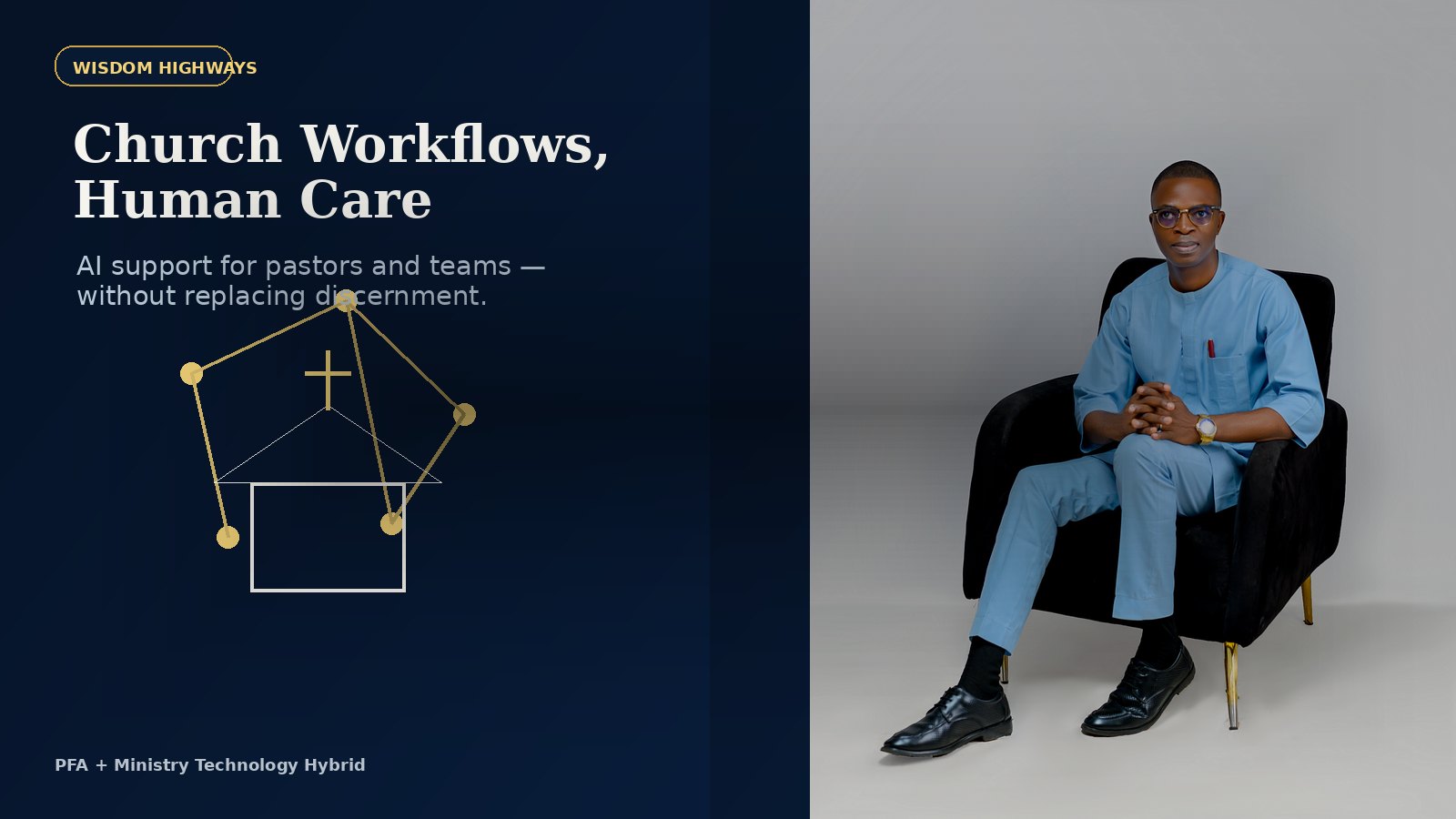
Church leaders should not have to choose between spiritual faithfulness and operational excellence. The right systems can reduce avoidable administrative pressure while keeping prayer, pastoral care and human discernment at the center.
AI and automation can support church teams, but they must never replace the sacred work of shepherding people. The best use is practical: reminders, summaries, scheduling support, follow-up, content preparation and internal coordination.
Before churches automate: start with wisdom
The right question is not, “How much can we automate?” The better question is, “Which repeated work is draining the team and reducing our capacity to serve people well?”
Choose workflows that are repetitive, low-risk, easy to review and connected to clearer care or better stewardship. Keep a human review point anywhere communication becomes sensitive, pastoral, financial, doctrinal or public.
Where could automation safely support your ministry?
Use the Wisdom Highways AI & Systems Readiness Assessment to identify practical opportunities without weakening human care or spiritual leadership.
Take the AI Readiness Assessment15 tasks pastors and church teams can review for automation
1. First-time visitor follow-up reminders
Visitors can easily fall through the cracks when follow-up depends on memory. A simple workflow can record the visit, notify the right person, schedule a reminder and prepare a warm draft message for review.
2. Volunteer scheduling support
Automation can help collect availability, identify gaps and remind team members. Leaders still handle relationships, pastoral sensitivity and final scheduling decisions.
3. Event registration confirmations
When someone registers for a church event, they should receive clear confirmation, directions, timing and next steps without a team member manually sending every message.
4. Sermon research organization
AI can help organize notes, themes, references and possible illustrations. The pastor remains responsible for prayerful study, interpretation, doctrine and final teaching.
5. Weekly announcement drafts
Approved event details can be turned into first-draft announcements, bulletins, captions or email updates. A human should confirm accuracy before anything public is sent.
6. Prayer request intake routing
Prayer requests require care and confidentiality. A system can help route requests to authorized people, but sensitive requests should be handled with strong privacy boundaries and pastoral wisdom.
7. Meeting notes and action summaries
Leadership meetings often produce valuable decisions. AI can prepare summaries and task lists, while the leadership team verifies decisions, owners and next steps.
8. Department update collection
Instead of chasing every department manually, a workflow can request updates, collect them, summarize what changed and highlight what needs attention.
9. Birthday, anniversary and care reminders
Reminders can support care, but they should not make care feel mechanical. Use automation to remember; use people to minister.
10. New member next-step sequences
A new member can receive clear next steps: class information, ministry contacts, community groups and serving pathways. Personal connection should remain central.
11. Common FAQ responses
Service times, location, parking, children’s ministry, event details and basic directions can be organized into approved responses so the team is not rewriting the same information repeatedly.
12. Sermon and teaching repurposing
An approved message can become a newsletter, short video outline, discussion guide, quote card or study note. Human review protects theological accuracy and tone.
13. Authorized reporting summaries
For authorized leaders only, systems can summarize attendance, giving, volunteer gaps, event response and operational needs. Sensitive data must remain protected.
14. Facility and maintenance request tracking
Small operational needs become stressful when they are invisible. A tracking workflow can record issues, assign owners and show what remains unresolved.
15. Post-service follow-up task lists
After services and events, a simple workflow can help the team capture who needs follow-up, what was promised and who owns each next step.
What churches should not automate blindly
- Pastoral counselling, crisis care and spiritual guidance.
- Confidential member matters.
- Doctrinal approval and official teaching.
- Sensitive financial, family or care situations.
- Anything requiring compassion, discernment and human presence.
The goal is not a colder church. The goal is a wiser, better-supported church team with more capacity for people.
Begin with a readiness diagnosis
Every ministry context is different. The assessment helps identify whether your strongest opportunity is follow-up, administration, content, volunteer coordination or leadership operations.
Take the AI & Systems Readiness Assessment
About the author: Pastor Folorunso Alesinloye is the founder of Wisdom Highways. He helps pastors, leaders and purpose-driven organizations use wisdom-first AI, automation and practical systems to reclaim time, increase capacity and amplify impact.
Keep learning with Wisdom Highways. Follow our WhatsApp Channel for practical AI tips, time-saving ideas, product updates and selected offers.
Follow WH Premium AI Vault on WhatsApp